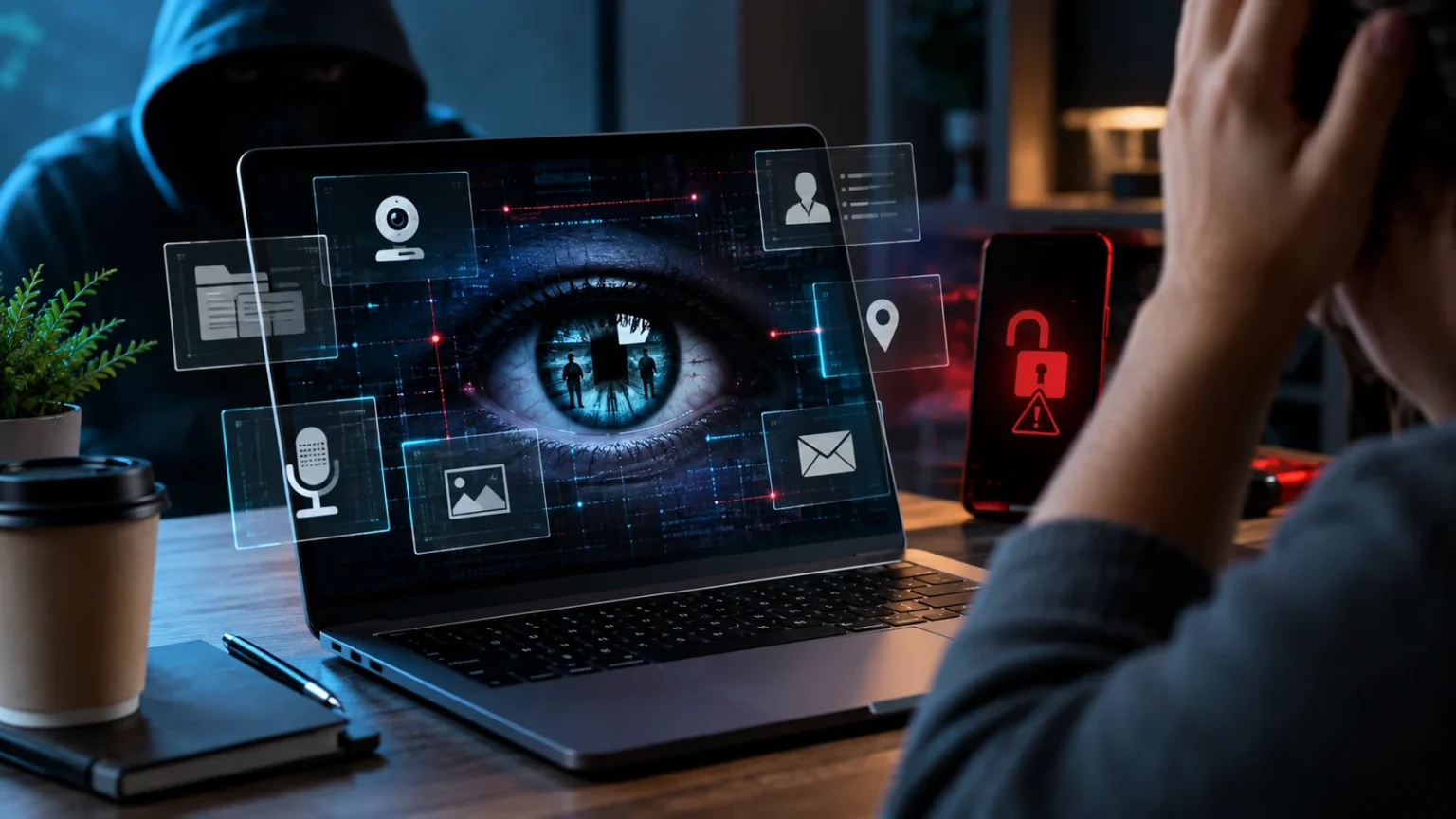

Spyware is a type of malicious software designed to collect information from a device without the user’s clear knowledge or permission. It may monitor browsing activity, capture login credentials, track behavior, display unwanted advertising, or gather sensitive personal data. Because spyware can operate quietly in the background, many people do not realize their device has been affected until unusual problems appear.
Understanding how spyware works can help you recognize warning signs before sensitive information is exposed. Slow performance, unexpected pop-ups, unfamiliar applications, unusual battery drain, and unexplained account activity may all deserve attention. Knowing how to prevent, detect, and remove spyware is an important part of protecting your privacy, passwords, financial information, and everyday online activity.
What Is Spyware?
Spyware is software that secretly gathers information about a person, device, or online activity. Depending on the program, it may collect browsing history, search activity, login information, location data, messages, or other personal details. The collected information may then be transmitted to another party without the user’s informed approval.
Some spyware is installed through malicious downloads, deceptive advertisements, compromised websites, or software bundles. In other cases, attackers may use phishing messages to persuade victims to install a program that appears legitimate. The software can then run quietly, making detection difficult for people who are not actively monitoring their devices.
Not every tracking technology is technically spyware, because legitimate applications may collect data with appropriate consent and disclosure. The key difference is secrecy, deception, or unauthorized surveillance. Spyware becomes a cybersecurity problem when software monitors users or collects information in ways they did not knowingly approve.
How Spyware Gets Onto Your Device
One common infection method is downloading software from an unreliable source. Free utilities, unofficial applications, cracked programs, and deceptive browser tools may contain unwanted components bundled with the main download. Users may install spyware without noticing when they quickly click through setup screens or accept permissions they do not fully understand.
Phishing is another common route. A message may claim that you need to install a document viewer, security update, delivery application, or other tool to complete an urgent task. If the download is malicious, the attacker may gain access to information stored or entered on the device after installation.
Spyware can also take advantage of security vulnerabilities in outdated software. A device that has not received operating system, browser, or application updates may be easier to compromise. Keeping software current reduces exposure to known weaknesses, although updates should still be combined with cautious downloading and strong security habits.
Common Signs of Spyware Infection
A sudden decline in device performance can be one possible warning sign. Spyware may consume memory, processing power, network bandwidth, or battery while operating in the background. If a computer or phone becomes noticeably slower without an obvious reason, reviewing installed applications and security activity may help identify the cause.
Unexpected pop-ups, homepage changes, new browser extensions, or unfamiliar applications can also indicate unwanted software. You might notice searches being redirected, advertisements appearing in unusual places, or settings changing without your permission. These symptoms do not always prove spyware is present, but they deserve investigation when they appear unexpectedly.
Other warning signs can include rapid battery drain, increased data usage, overheating, or unfamiliar account activity. If credentials are stolen, you may receive password reset emails or login alerts from locations you do not recognize. Several unusual symptoms appearing together should be taken more seriously than one isolated performance issue.
What Information Can Spyware Collect?
The information collected depends on the type and capabilities of the spyware. Some programs focus mainly on browsing behavior, including websites visited, searches performed, advertisements clicked, and online interests. This data may be used for aggressive advertising, profiling, fraud, or other forms of unauthorized monitoring.
More dangerous spyware may target passwords, payment information, banking credentials, email accounts, and authentication details. Some malware can monitor what users type or attempt to capture information when it is entered into forms. Stolen credentials can then be used for account takeover, financial fraud, or additional attacks against connected services.
Advanced surveillance software may attempt to access location data, messages, contacts, microphones, cameras, or stored files depending on the device and permissions available. This makes spyware a serious privacy risk, especially when sensitive personal or business information is involved. Limiting unnecessary permissions can reduce how much data an unwanted application is able to access.
Different Types of Spyware
Adware is often associated with excessive advertising and tracking. Some ad-supported software is legitimate, but aggressive or deceptive forms may monitor browsing activity, inject advertisements, or redirect users toward unwanted pages. When this behavior happens without meaningful consent, it can create both privacy and security concerns.
Keyloggers are designed to record keystrokes entered on a device. Depending on their capabilities, they may capture usernames, passwords, messages, or other sensitive information typed by the user. This can make them particularly dangerous when financial accounts, email services, or workplace systems are accessed from an infected device.
Other spyware may focus on browser activity, credential theft, system monitoring, or mobile surveillance. The exact behavior varies, which is why spyware cannot be identified through one symptom alone. Security tools generally look for combinations of suspicious files, processes, permissions, network activity, and known malicious behavior when detecting infections.
Why Spyware Is Dangerous
Spyware can create serious privacy problems because it allows another party to observe information that was never intended to be shared. Personal communications, browsing activity, photographs, credentials, and financial details may all become exposed. The damage can continue for a long time if the spyware remains undetected.
Credential theft creates an additional risk because one compromised account can lead to several others. An attacker who gains access to email may attempt password resets for shopping, social media, banking, or cloud accounts. Improving online account security with unique passwords and stronger authentication can limit some of the damage.
Businesses can face even greater consequences when spyware infects a device used for work. Confidential files, customer information, internal messages, and account credentials may become exposed. A single infected endpoint can sometimes provide attackers with information that supports wider phishing, fraud, or unauthorized access attempts.
How to Check for Spyware
Start by reviewing installed applications and browser extensions for anything you do not recognize. Pay attention to recently installed programs, unfamiliar names, or software that appeared around the same time performance problems began. Do not immediately delete important system components simply because the names are unfamiliar, because legitimate software can sometimes look technical or obscure.
Run a full scan using reputable security software that is already trusted on the device. Updated security tools can detect many known forms of spyware and other malware. Make sure the security software itself comes from a legitimate source, because fake antivirus programs may create additional risks instead of solving the original problem.
You should also check browser settings, startup applications, account login activity, and network usage where appropriate. Unusual changes can provide additional clues when combined with security scan results. If you believe a work device has been compromised, contact the organization’s IT or security team before making major changes that could affect an investigation.
How to Remove Spyware Safely
If trusted security software detects spyware, follow its quarantine or removal process carefully. Restart the device when instructed and run another scan afterward to confirm that the threat is no longer detected. Removing the malicious program is important, but you should also consider what information may have been exposed while it was active.
Delete suspicious applications or browser extensions only after confirming they are not legitimate components you need. Reset browser settings if unwanted redirects, search changes, or extensions continue after removal. Keeping the browser and operating system updated during the cleanup process can help close vulnerabilities that may have contributed to the infection.
For serious infections, professional technical help or a complete device reset may sometimes be necessary. Back up essential personal files carefully before resetting, but avoid restoring suspicious programs that could reintroduce the problem. A clean reinstall can provide stronger assurance when malware remains persistent or the extent of compromise is unclear.
Change Passwords After Removing Spyware
Passwords entered while spyware was active may already be compromised, even after the software is removed. Change important credentials from a clean, trusted device rather than using the possibly infected system. Start with email, password managers, banking, cloud storage, workplace accounts, and other services that could expose additional information.
Every account should use a unique password so stolen credentials from one service cannot be reused elsewhere. A reputable password manager can make unique passwords easier to maintain. If you previously reused the same password across several websites, replace it everywhere rather than changing only the account where suspicious activity was first noticed.
Enable multi-factor authentication wherever available after updating passwords. This adds another identity check that can help block attackers who still possess an old or stolen password. Review recent login activity as well and sign out devices or sessions you do not recognize.
Prevent Spyware With Safer Downloads
Download software from official or trusted sources whenever possible. Avoid unknown websites offering free versions of paid applications, unofficial installers, or suspicious utilities promising dramatic performance improvements. Malware distributors often rely on attractive downloads because persuading users to install malicious software can be easier than directly exploiting a protected device.
Pay attention during software installation rather than repeatedly clicking the default option. Some installers bundle additional applications, browser extensions, or settings changes that you may not actually want. Choose custom installation options when appropriate so you can see which components are being added and decline unnecessary extras.
Be skeptical of website pop-ups claiming your device is infected and demanding immediate software installation. Legitimate security alerts should come from trusted software or your operating system, not random advertisements. Closing the page and checking security status independently is safer than following instructions designed to create fear and urgency.
Keep Software Updated to Reduce Risk
Security updates repair vulnerabilities that attackers may otherwise exploit to install malicious software or gain access to sensitive information. Keep your operating system, browser, applications, and security tools current. Automatic updates can make this easier by installing important fixes without requiring you to remember every release.
Remove applications that are no longer supported when practical, especially if they connect to the internet or handle sensitive information. Unsupported software may stop receiving security fixes even when serious vulnerabilities are discovered. Replacing abandoned tools with maintained alternatives reduces the number of weaknesses available to attackers.
Updates do not replace careful behavior because users can still voluntarily install harmful software or reveal information through phishing. Strong security comes from combining updated technology with safer downloads, restricted permissions, account protection, and awareness of suspicious messages. Several small protections working together create a stronger defense than relying on one tool.
Review App and Browser Permissions
Applications sometimes request access to contacts, files, location, microphones, cameras, and other sensitive features. Review these permissions regularly and remove access that is no longer required. Limiting permissions reduces the amount of information an unwanted or compromised application can potentially reach.
Browser extensions deserve similar attention because they can interact with websites you visit. Remove extensions you no longer use and be cautious when an unfamiliar tool requests permission to read or modify data across many websites. Install extensions only when they provide a clear benefit and come from a source you trust.
Permissions should match the purpose of the software. A simple calculator should not normally require access to your contacts or microphone, while a video calling application reasonably needs camera access. Questioning unnecessary permissions can help identify risky software before it receives broad access to personal information.
Back Up Important Data Before Problems Happen
Regular backups can reduce the disruption caused by spyware and other forms of malware. If an infection becomes severe enough that the device needs to be reset, having secure copies of important documents, photographs, and work files makes recovery much easier. Backups should exist separately from the primary device.
Consider keeping both an external backup and a trusted cloud copy for especially important information. Protect cloud backup accounts with unique passwords and multi-factor authentication. If possible, keep at least one backup isolated so malware on the main device cannot automatically modify or delete every available copy.
Test your backups occasionally instead of assuming they are working. A backup that has not run for months may provide little help after an infection or hardware failure. Confirm that important files can be restored successfully and that the backup process continues after device, account, or storage changes.
Conclusion
Spyware is malicious or deceptive software designed to monitor activity and collect information without clear user consent. It can target browsing behavior, passwords, financial details, messages, location data, and other sensitive information. Because spyware may operate quietly, recognizing unusual device behavior and security alerts is an important part of early detection.
If you suspect spyware, scan the device with trusted security software, remove suspicious applications, review browser settings, and change important passwords from a clean device. Enable multi-factor authentication and check recent account activity afterward. Serious infections may require professional help or a complete system reset to restore confidence in the device.
Prevention remains easier than recovery. Keep software updated, download programs from trusted sources, review permissions, avoid suspicious links, and maintain secure backups. Combining these habits with strong account security greatly reduces the chance that spyware can quietly turn everyday device use into a serious privacy or cybersecurity problem.
FAQs
What is spyware in simple terms?
Spyware is software that secretly monitors a device or collects information without clear permission. It may track browsing activity, steal credentials, record behavior, or access other sensitive personal data.
How can I tell if spyware is on my device?
Possible signs include slow performance, unusual battery drain, unfamiliar apps, browser changes, excessive pop-ups, unexpected data usage, or suspicious account activity. A trusted security scan can help investigate these symptoms.
Can spyware steal passwords?
Yes. Some spyware is specifically designed to capture login credentials or information entered on a device. Change important passwords from a clean device if you believe spyware may have been active.
Can antivirus software remove spyware?
Reputable security software can detect and remove many forms of spyware. However, advanced or persistent infections may require additional cleanup, professional assistance, or a complete system reset.
How can I prevent spyware infections?
Keep software updated, avoid suspicious downloads, review app permissions, use trusted security tools, and be cautious with phishing messages. Strong passwords, multi-factor authentication, and regular backups provide additional protection.