
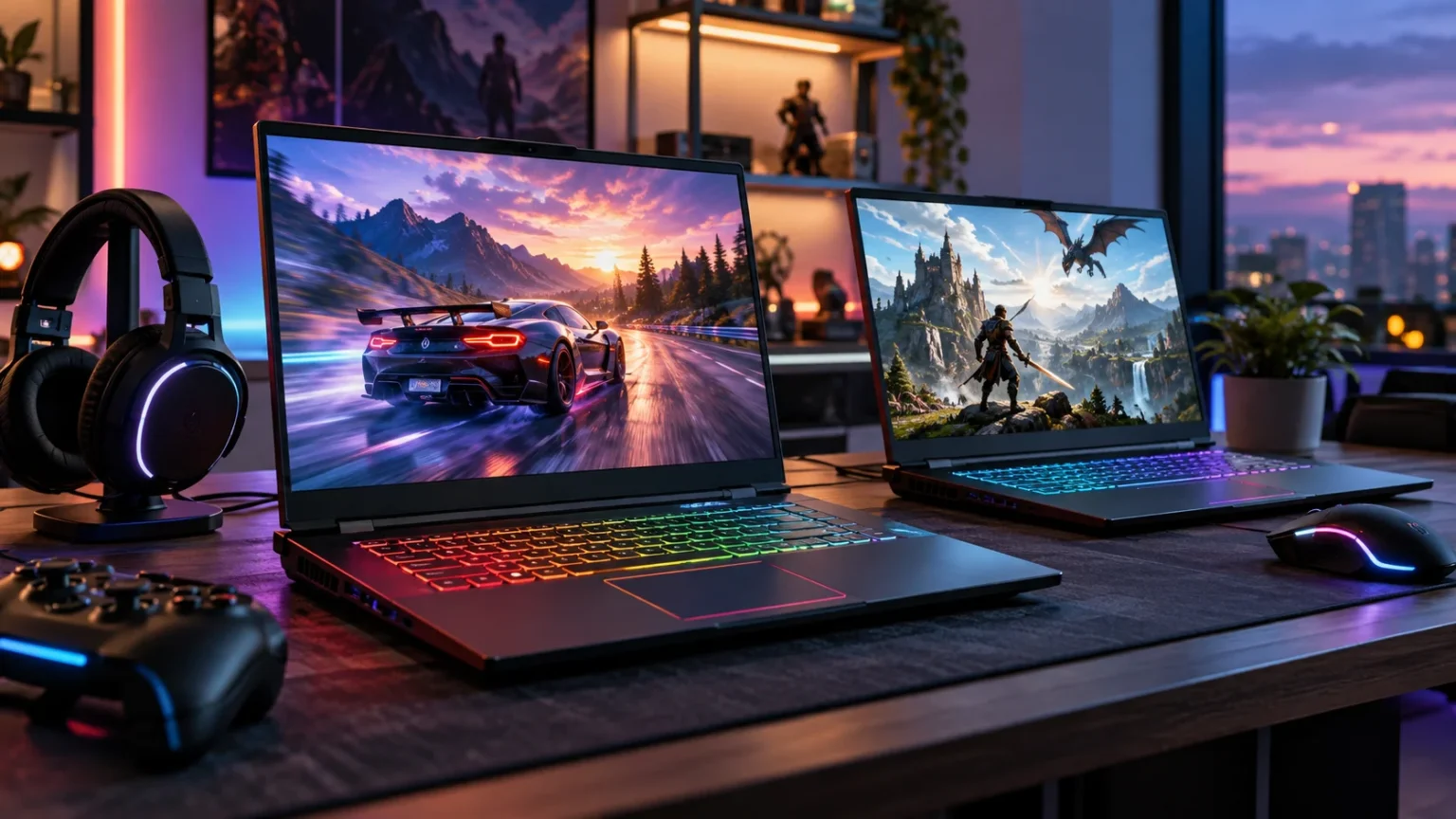

Finding the best gaming laptops for smooth performance is about more than buying the model with the most expensive graphics card. A balanced gaming laptop needs a capable GPU, fast processor, sufficient RAM, responsive display, effective cooling, and storage that can keep up with modern game sizes. When these components work together, gameplay feels faster, steadier, and more enjoyable.
Gaming laptops now cover everything from affordable 1080p machines to powerful desktop replacements equipped with high-end NVIDIA GeForce RTX 50-series graphics. Some prioritize maximum frame rates, while others focus on portability, premium displays, or quieter everyday use. Your ideal choice therefore depends heavily on the games you play, your target resolution, and whether you travel frequently.
Current options such as the Razer Blade 16, ASUS ROG Zephyrus G16, Lenovo Legion Pro 7i, MSI Raider 18 HX AI, and Lenovo LOQ cover very different budgets and performance needs. Understanding what each type of laptop does well can help you spend money where it actually improves your gaming experience.
What Makes a Gaming Laptop Perform Smoothly?
The graphics processor is usually the most important component for modern gaming performance. A stronger GPU can produce higher frame rates, handle more demanding visual settings, and provide better performance at 1440p or higher resolutions. Features such as ray tracing, upscaling, and frame generation can also improve the experience in supported games without requiring maximum native rendering performance.
The processor matters because games still rely heavily on CPU performance for artificial intelligence, physics, simulation, and feeding data to the GPU. Competitive titles that target very high frame rates can be particularly processor-sensitive. A powerful GPU paired with an underpowered CPU may therefore fail to deliver the smooth, consistent performance you expected from an expensive gaming machine.
Cooling completes the equation because laptop components reduce performance when temperatures become excessive. A well-designed thermal system allows the CPU and GPU to maintain higher power levels during long gaming sessions. This is why two laptops with apparently similar specifications can deliver noticeably different results when their GPU wattage, chassis size, cooling, and performance modes differ.
Razer Blade 16 for Premium Portable Gaming
The 2026 Razer Blade 16 combines a relatively slim premium chassis with high-end gaming hardware. Current configurations include NVIDIA GeForce RTX 5080 and RTX 5090 Laptop GPUs, with Razer listing up to 165W TGP for the RTX 5090 configuration. It also uses an Intel Core Ultra 9 386H processor and supports up to 64GB of LPDDR5X memory.
The Blade 16 makes sense for gamers who want substantial performance without carrying one of the thickest desktop-replacement machines. Independent 2026 testing has shown that it can deliver strong frame rates, although larger systems such as Lenovo’s Legion Pro line can sometimes achieve stronger raw performance because their designs allow more aggressive power and cooling.
Its main tradeoff is that premium construction and portability generally place it toward the expensive end of the gaming laptop market. Buyers should also remember that its memory is fixed rather than using traditional upgradeable laptop memory modules. It is therefore important to choose enough RAM at purchase if you plan to keep the system for several years.
ASUS ROG Zephyrus G16 for Power and Portability
The 2026 ASUS ROG Zephyrus G16 is another strong option for gamers who want powerful hardware in a relatively portable 16-inch design. ASUS offers configurations ranging from the RTX 5060 through the RTX 5090 Laptop GPU, allowing buyers to choose between mainstream performance and substantially more demanding high-end gaming.
Higher configurations can reach up to 160W GPU power in manual mode, which is impressive for a machine designed with portability in mind. The Zephyrus line also appeals to people who use the same laptop for gaming, content creation, work, and travel. A 16-inch chassis provides a useful balance between screen size and carrying convenience.
The best configuration depends on your target resolution and budget. An RTX 5060 or 5070 can make sense for less demanding gaming, while the RTX 5070 Ti and above provide more headroom for higher settings and demanding modern releases. Spending significantly more on flagship graphics is most worthwhile when you will actually use the additional performance.
Lenovo Legion Pro 7i for High-Performance Gaming
The Lenovo Legion Pro 7i Gen 10 takes a more performance-focused approach. Lenovo offers configurations with RTX 5080 and RTX 5090 Laptop GPUs running at up to 175W, along with up to 64GB of DDR5 memory. Its 16-inch OLED display offers a 2560 × 1600 resolution and a 240Hz refresh rate, giving both competitive and cinematic games plenty of visual headroom.
This laptop is particularly appealing to people who prioritize sustained performance over ultra-thin dimensions. Higher power limits give the graphics processor more opportunity to perform near its potential during demanding games. That can matter considerably when running ray tracing, high-resolution textures, or graphically intensive AAA titles for long periods.
The Legion Pro 7i also supports replaceable memory configurations rather than relying entirely on soldered RAM, which can be valuable for long-term ownership. Its 99Wh battery is large, but powerful gaming hardware still consumes energy quickly under load. Like most high-performance gaming laptops, it delivers its best gaming experience while connected to the power adapter.
MSI Raider 18 HX AI for a Desktop-Replacement Experience
The MSI Raider 18 HX AI is designed for gamers who care more about maximum capability than easy portability. Available configurations reach up to an RTX 5090 Laptop GPU with 24GB of GDDR7 memory and up to 175W maximum graphics power. MSI also lists combined CPU and GPU power of up to 260W on high-end configurations.
Its large 18-inch chassis gives MSI additional room for cooling, powerful components, and expansive displays. Available screens include high-refresh QHD+ panels as well as UHD+ Mini LED options on certain configurations. This makes the Raider appealing to gamers who want a more immersive display and rarely need to carry their laptop long distances.
The obvious downside is size and weight. A large 18-inch gaming machine with a powerful charger feels much closer to a transportable desktop than an everyday ultraportable laptop. For a fixed gaming setup where space is limited but desktop components are undesirable, however, this type of machine can provide an effective middle ground.
Lenovo LOQ 15 for More Affordable Gaming
You do not need flagship hardware to get enjoyable PC gaming performance. Lenovo’s current LOQ 15 configurations are available with GPUs such as the RTX 5060, giving buyers a route into modern NVIDIA features without paying premium Blade, Zephyrus, or Legion Pro prices. Certain RTX 5060 configurations use 8GB of GDDR7 graphics memory and a 100W GPU power limit.
A typical LOQ configuration targets 1080p gaming rather than trying to push extremely demanding resolutions. Lenovo offers models with 144Hz displays, which pair naturally with esports games and mainstream gaming hardware. Two memory slots and multiple M.2 storage slots on supported configurations also make future upgrades more practical than on some thin premium systems.
Budget-oriented gaming laptops naturally involve compromises. Chassis materials, battery size, display brightness, speakers, and portability may not match premium machines. Still, allocating more of the budget toward the GPU instead of luxury design can produce a satisfying experience for players primarily interested in smooth 1080p gaming.
Which GPU Should You Choose for Smooth Gaming?
For mainstream gaming, an RTX 5060-class laptop can be suitable when your primary target is 1080p with sensible quality settings. Moving toward an RTX 5070 or 5070 Ti provides additional performance for higher settings and 1600p gaming. These mid-range options often make more sense than flagship hardware for people who want strong performance without paying for capabilities they rarely use.
RTX 5080 and RTX 5090 laptops are aimed at demanding enthusiasts who want higher resolutions, ray tracing, premium displays, or very high frame rates. They can also be useful for GPU-accelerated creative applications alongside gaming. However, the price increase can be substantial, and laptop power limits mean the GPU name alone does not tell you the complete performance story.
Always check the graphics power available to a specific laptop configuration. The same GPU operating at different wattages can perform differently because one chassis may allow considerably more sustained power than another. Reviews that test actual frame rates are therefore more useful than simply comparing RTX model numbers on a product listing.
How Much RAM and Storage Do You Need?
For most modern gaming laptops, 16GB of RAM remains a reasonable starting point, particularly for straightforward gaming and everyday use. Moving to 32GB provides greater flexibility for demanding games, streaming, heavy browser multitasking, content creation, and keeping many applications open simultaneously. Enthusiasts using professional workloads may have a reason to consider 64GB.
Storage requirements have also increased because modern AAA games can consume a large amount of space. A 1TB NVMe SSD is a practical minimum for many gamers, while 2TB provides considerably more breathing room if you maintain a large game library. Smaller drives can become frustrating once Windows, applications, recordings, and several large games occupy most available capacity.
Upgradeable storage is worth considering when comparing laptops. Machines with a second accessible M.2 slot let you expand storage later rather than replacing the original SSD immediately. This can be more economical than paying a manufacturer for the highest storage configuration at purchase, particularly if compatible SSD prices become more attractive later.
Display, Cooling, and Battery Life Matter Too
A gaming laptop display should match the performance of its GPU. A 144Hz or 165Hz screen works well for mainstream gaming, while 240Hz panels are useful for competitive players who can generate very high frame rates. OLED and Mini LED displays can provide excellent contrast and visual quality, although premium panel technologies usually raise the purchase price.
Cooling should receive almost as much attention as the processor and graphics specifications. Powerful components create significant heat, and inadequate cooling can lead to higher fan noise or reduced sustained performance. Thicker gaming laptops generally have more thermal headroom, while slim machines must carefully balance temperature, acoustics, power, and portability.
Battery life is rarely a gaming laptop’s greatest strength because high-performance GPUs consume substantial power. Most systems also reduce performance when disconnected from their chargers. Battery endurance matters more for browsing, studying, or office work between gaming sessions, so buyers who frequently travel should consider both everyday runtime and the size of the included power adapter.
Gaming Audio and Accessories Can Improve the Experience
Built-in gaming laptop speakers vary considerably, and even premium models may struggle to deliver the immersion of dedicated headphones. A good gaming headset can improve directional awareness in competitive games while keeping environmental distractions under control. Players who also use their laptop for music or travel may prefer versatile noise-canceling headphones instead of a gaming-only audio solution.
An external mouse is another worthwhile addition because laptop touchpads are not designed for precise gaming. Competitive players may also benefit from a high-refresh external monitor, mechanical keyboard, or controller depending on the games they play. Accessories should solve a genuine limitation rather than becoming expensive additions that provide little practical benefit.
A laptop stand or cooling-friendly desk setup can also help maintain airflow around the system. Avoid blocking intake vents with blankets, sofas, or other soft surfaces during demanding gaming sessions. Keeping vents unobstructed allows the cooling system to work as intended and can reduce unnecessary temperature increases during extended play.
How to Choose the Best Gaming Laptop for Your Needs
Start by deciding which games you actually want to play and at what resolution. Competitive titles such as shooters generally benefit from high frame rates and responsive displays, while graphically demanding single-player games place greater emphasis on GPU performance. Your gaming preferences should determine how much you invest in graphics power rather than automatically choosing the highest specification available.
Next, consider whether portability or maximum performance matters more. Machines such as the Zephyrus G16 and Blade 16 attempt to balance powerful hardware with travel-friendly designs, while the Legion Pro 7i and MSI Raider prioritize sustained performance. Budget-focused systems such as the Lenovo LOQ sacrifice some premium features to make capable gaming hardware more accessible.
Finally, compare the entire configuration rather than the GPU alone. Check the processor, GPU wattage, memory capacity, SSD size, screen resolution, refresh rate, cooling design, ports, upgrade options, and warranty. A balanced configuration that suits your games and lifestyle usually provides a better experience than overspending on one component while compromising everywhere else.
Conclusion
The best gaming laptops for smooth performance range from affordable 1080p systems to powerful machines capable of driving demanding high-resolution games. Razer, ASUS, Lenovo, and MSI currently offer compelling options across several performance classes, but each design makes different compromises between speed, portability, cooling, display quality, and price.
A Razer Blade 16 or ASUS ROG Zephyrus G16 can suit gamers who want portability alongside premium performance. The Lenovo Legion Pro 7i and MSI Raider 18 HX AI make more sense when sustained power is the priority, while Lenovo’s LOQ range offers a more accessible route into modern gaming hardware.
Focus on the GPU class that matches your target resolution, then check CPU performance, memory, storage, cooling, and display quality before buying. You do not always need the most powerful configuration available. The smoothest gaming experience comes from choosing a balanced laptop that matches the games you play and the way you intend to use it.
FAQs
How much RAM is best for a gaming laptop?
For most gamers, 16GB is a practical starting point, while 32GB provides extra room for demanding games, streaming, multitasking, and content creation. More than 32GB is usually unnecessary for gaming alone.
Is an RTX 5060 laptop good for gaming?
Yes, an RTX 5060 laptop can provide strong mainstream gaming performance, particularly at 1080p. Actual results depend on GPU wattage, cooling, processor performance, game settings, and whether technologies such as upscaling are enabled.
Is 144Hz enough for a gaming laptop?
A 144Hz display is sufficient for most players and feels much smoother than a standard 60Hz panel. Competitive gamers who consistently achieve very high frame rates may benefit from 240Hz or faster screens.
Should I choose 1TB or 2TB storage for gaming?
A 1TB SSD is a sensible minimum for many gaming laptops, but 2TB is more comfortable for large game libraries. Modern AAA games can consume significant storage, making additional capacity useful over time.
Which is more important for gaming, CPU or GPU?
The GPU generally has the greatest impact on graphics quality and frame rates in demanding games. However, a strong CPU remains important for competitive gaming, simulation-heavy titles, multitasking, and preventing processor-related performance bottlenecks.



