
Operating System Definition: Types & Examples
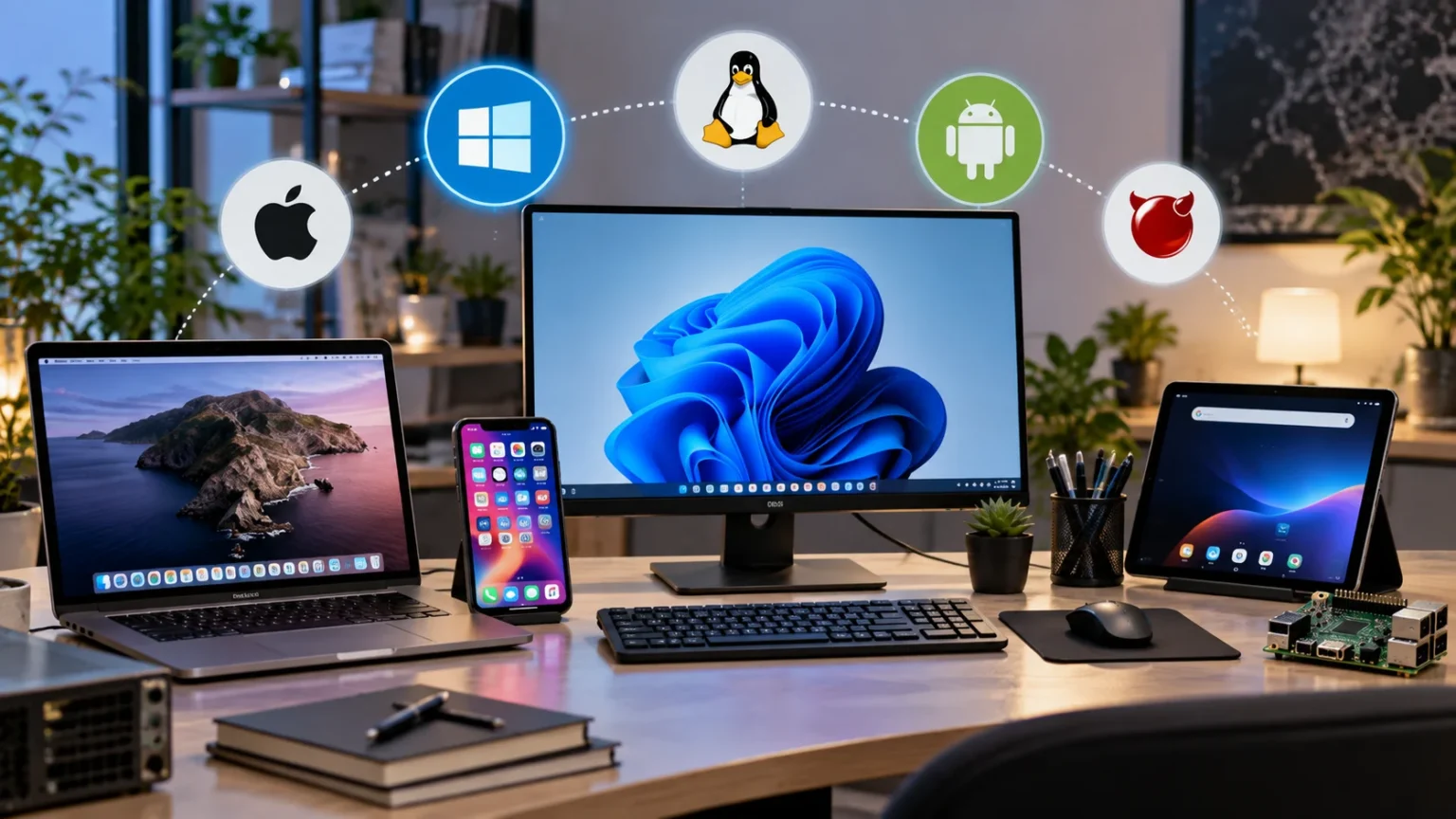
An operating system is the core software that allows a computer, smartphone, tablet, server, or other digital device to function. It manages hardware resources, runs applications, organizes files, handles input and output, and provides the environment people use to interact with their devices. Without an operating system, most users would have to communicate directly with processors, memory, storage drives, and other hardware components. Modern operating systems make that complexity largely invisible by coordinating thousands of background tasks automatically. Windows, macOS, Linux, Android, and iOS are among the most familiar operating system examples. Understanding the operating system definition makes it much easier to understand how modern computers and digital devices work.
An operating system is often described as the bridge between computer hardware and application software. When you open a browser, save a document, connect headphones, install a program, or switch between apps, the operating system manages much of what happens behind the scenes. It allocates memory, gives the processor work to perform, communicates with devices through drivers, and determines where files should be stored. It also helps protect information by controlling accounts, permissions, and access to system resources. Different operating systems may present very different interfaces, but their underlying responsibilities are remarkably similar. These responsibilities make the OS one of the most important software layers in any computing environment.
Operating systems have evolved significantly as computers have moved from large centralized machines to personal computers, smartphones, cloud servers, embedded devices, and connected products. Early systems focused mainly on making expensive computing resources more efficient, while modern operating systems must balance usability, security, networking, multitasking, performance, and power consumption. A mobile OS, for example, must carefully manage battery life while keeping applications responsive and connected. A server operating system may prioritize reliability, security, remote administration, and the ability to support many users simultaneously. These differences explain why there are multiple types of operating systems rather than one universal OS for every device. Each is designed around particular hardware, workloads, and user needs.
What Is an Operating System?
An operating system, commonly abbreviated as OS, is system software that manages a device’s hardware and provides services that applications need to run. It sits between physical computer components and the programs people use every day. Applications generally do not control the processor, memory, disk, keyboard, display, or network hardware directly. Instead, they request services from the operating system, which coordinates access to these resources safely and efficiently. This arrangement makes software development easier because applications can rely on standardized operating system functions. From a user perspective, the OS also provides tools for launching programs, organizing information, changing settings, and controlling the device.
The operating system starts working very early in the device’s startup process. When a computer is turned on, firmware performs initial hardware checks and begins a boot process that eventually loads the operating system into memory. The OS then initializes essential hardware, starts system services, prepares the user environment, and makes applications available. Many of these activities happen before the desktop, lock screen, or home screen appears. Once the system is running, the operating system continues working constantly in the background. Even when a user is not actively opening programs, the OS may be handling security processes, networking, updates, storage operations, power management, and other tasks.
A useful way to understand an operating system is to imagine it as a manager responsible for distributing limited resources. A computer may have several applications competing for processor time, memory, storage access, and network bandwidth at the same moment. The operating system decides how these resources should be shared so that the device remains responsive. If every program could control hardware without coordination, applications could interfere with one another and cause frequent crashes or data corruption. The OS creates rules and boundaries that reduce this problem. This resource-management role becomes increasingly important as computers run dozens or even hundreds of processes simultaneously.
The operating system also provides a consistent platform for software developers. Instead of writing completely different code for every possible model of keyboard, storage device, display, or network adapter, developers can rely on services offered by the operating system. Device drivers and other system components translate between standardized software requests and specific hardware behavior. This abstraction makes applications much more portable across computers that use different internal components but share the same operating system environment. It also simplifies hardware upgrades because compatible drivers allow new components to work without requiring every application to be rewritten. The operating system therefore helps create a stable ecosystem between hardware manufacturers and software developers.
Most people interact with an operating system through a graphical user interface, or GUI, containing windows, icons, menus, buttons, settings, and other visual controls. However, graphical interfaces are not a requirement for an operating system. Servers and specialized computers may be managed largely through command-line interfaces because administrators can control them efficiently using text commands and scripts. Many modern operating systems provide both graphical and command-line environments. Windows includes command-line tools alongside its desktop interface, while Linux distributions often support multiple graphical desktops as well as powerful terminal environments. The interface is therefore only the visible layer of a much larger operating system responsible for managing the complete device.
How Does an Operating System Work?
An operating system works by coordinating communication between applications and the physical hardware inside a device. Applications make requests when they need to store data, display information, use the network, access memory, or perform calculations. The operating system receives these requests and uses system-level software to perform the required actions. This separation prevents normal applications from having unrestricted control over important hardware resources. It also helps protect the system from crashes and security problems caused by badly behaved software. The OS provides controlled methods through which programs can use the computer, making everyday computing more reliable and predictable.
At the center of many operating systems is the kernel, which is one of the most important pieces of system software. The kernel operates with high privileges and manages fundamental resources such as processor scheduling, memory allocation, hardware communication, and system processes. Applications usually cannot directly access everything the kernel controls because doing so would create serious stability and security risks. Instead, programs make system calls that request specific services from the operating system. The kernel decides whether the request is permitted and then coordinates the necessary hardware or software activity. Although most users never see the kernel, it plays a central role every time they interact with a device.
Process management is another essential part of how operating systems work. Every running application may contain one or more processes that need time on the central processing unit. Because many processes can be active at once, the operating system uses scheduling techniques to determine which one receives processor time and for how long. Modern processors may contain multiple cores, allowing several tasks to run physically at the same time, but scheduling is still necessary. The OS continuously switches and balances workloads to keep important applications responsive. This process happens rapidly enough that users experience smooth multitasking even though many programs are competing for computing resources.
Memory management works in a similar way because every active application needs space in random access memory, or RAM. The operating system tracks which sections of memory are being used and determines how much space each process receives. It also prevents one application from freely reading or modifying memory belonging to another program. When physical RAM becomes limited, some operating systems can use storage as virtual memory, temporarily moving less active information away from RAM. This technique can help prevent immediate failure, although storage is generally slower than physical memory. Good memory management improves performance while reducing the risk that one application will disrupt the entire system.
Operating systems also coordinate hardware through software known as device drivers. A driver allows the OS to communicate with a particular device, such as a graphics card, printer, sound device, network adapter, or storage controller. When an application wants to print a page, it usually does not send electrical instructions directly to the printer. Instead, it interacts with operating system services that work with the printer driver. The driver translates the request into instructions the hardware understands. This layered approach allows operating systems to support a wide variety of devices while giving applications a relatively consistent way to use them.
Main Functions of an Operating System
One of the primary functions of an operating system is managing the processor and the applications that need to use it. The OS keeps track of active processes, assigns processor time, pauses processes when necessary, and helps applications run without interfering with one another. This capability is commonly called process management or task management. Users see the benefits whenever they play music while browsing the internet, downloading a file, and receiving messages at the same time. Each activity requires processing resources, but the operating system coordinates them automatically. Efficient scheduling helps the computer remain responsive even when several applications are demanding attention simultaneously.
Memory management is another major operating system function because programs require temporary working space while they are active. The OS allocates portions of RAM to applications and reclaims that memory after programs close or processes finish. It also creates protections that keep one application from accidentally overwriting another application’s data. Many operating systems use virtual memory when physical RAM becomes heavily used, allowing part of the storage drive to support memory management. However, excessive reliance on virtual memory can make a device feel slower because storage access is generally less responsive than RAM. Effective memory allocation therefore has a direct impact on system stability and user experience.
File management allows users and programs to create, store, organize, rename, move, copy, and delete information. Operating systems use file systems to determine how data is arranged on storage devices such as solid-state drives, hard drives, memory cards, and external disks. Files are commonly organized into folders or directories so that information can be located efficiently. The OS also stores metadata such as file names, sizes, modification dates, ownership information, and access permissions. Different operating systems may support different file system formats, although many can read more than one type. Reliable file management is essential because virtually every application depends on stored data.
Input and output management helps the operating system control communication with external and internal hardware devices. Input devices include keyboards, mice, touchscreens, microphones, cameras, and sensors, while output devices include monitors, speakers, printers, and projectors. The operating system receives information from input devices and makes that information available to applications. It also sends application output to the appropriate hardware. Drivers play an important role in this process because different devices may require different communication methods. Without coordinated input and output management, software developers would need to understand the low-level behavior of every possible piece of hardware their applications might use.
Security and user management have become increasingly important operating system functions as devices store more personal and business information. An OS can require passwords, biometric authentication, security keys, or other methods before granting access to an account. It may also separate administrators from ordinary users so that sensitive system changes require additional authorization. File permissions determine who can read, modify, or execute particular data, while built-in security tools can help block malicious activity. Modern operating systems also provide update mechanisms that deliver vulnerability fixes and other security improvements. These features cannot eliminate every cyber risk, but they create essential layers of protection around applications, accounts, files, and hardware resources.
Types of Operating Systems
A single-user operating system is designed primarily around one person using a device at a particular time, although the system may support multiple user accounts. Personal computers and smartphones are familiar examples of devices that commonly follow this model. The operating system manages applications, files, networking, and hardware for the active user while maintaining separate settings for different accounts. Modern single-user systems are usually multitasking operating systems because they allow many applications and background processes to operate simultaneously. Windows and macOS are common desktop examples, while Android and iOS provide similar capabilities on mobile devices. The focus is generally on usability, responsiveness, security, and support for everyday applications.
Multiuser operating systems are designed to allow several people to use the same computing resources, often at the same time. These systems are common in servers, universities, research environments, large organizations, and cloud infrastructure. Each user can have separate files, permissions, applications, and resource limits while sharing the same underlying hardware. Unix and Linux systems are well known for strong multiuser capabilities, although modern server editions of other operating systems also support extensive user management. The OS must carefully separate accounts so that one user cannot freely access another person’s information. Multiuser systems emphasize security, resource allocation, remote access, and the ability to handle many simultaneous processes.
Real-time operating systems, often shortened to RTOS, are designed for situations where tasks must be completed within predictable time limits. They are commonly used in industrial control equipment, medical devices, automotive systems, robotics, aerospace technology, and other embedded applications. In these environments, responding too late may be almost as problematic as providing an incorrect response. A real-time OS therefore prioritizes predictable scheduling and low response latency rather than focusing primarily on graphical features. Some real-time systems have extremely strict timing requirements, while others can tolerate occasional small delays. Their design demonstrates that the best operating system depends heavily on what the device needs to accomplish.
Network operating systems focus on managing resources and communication across connected computers. They can provide centralized authentication, file sharing, printer management, security policies, backups, remote access, and other network services. In modern IT environments, network operating system functions often overlap with server operating systems rather than existing as a completely separate category. Organizations may use Windows Server, Linux, Unix-like platforms, or specialized network software to manage shared infrastructure. Routers and enterprise networking equipment also run operating systems designed specifically for network administration. These platforms prioritize stability, security, remote management, traffic handling, and continuous availability because network failures can affect many users at once.
Embedded operating systems are designed for specialized devices that perform more limited or focused tasks than general-purpose computers. They can be found in smart TVs, routers, cameras, appliances, industrial equipment, vehicles, payment terminals, wearable devices, and Internet of Things products. Embedded systems often have limited memory, processing power, storage, or battery capacity, so their operating systems must use resources efficiently. Some embedded devices run customized versions of Linux, while others use real-time or proprietary operating systems. Users may never directly notice the OS because the device presents only a specialized interface. Nevertheless, the operating system is still coordinating hardware, software, communication, and security behind the scenes.
Popular Operating System Examples
Microsoft Windows is one of the most widely recognized desktop operating systems and is commonly found on personal computers used in homes, schools, offices, and businesses. It provides a graphical desktop environment, extensive hardware compatibility, support for a large software ecosystem, and strong integration with business technologies. Windows is particularly common in workplaces because many productivity applications, enterprise tools, and administrative systems are designed around it. It also supports gaming, creative software, programming environments, and professional applications. Different editions target consumers, professionals, organizations, and specialized devices. Its broad hardware support means Windows can run on computers produced by many different manufacturers rather than being tied to one specific hardware brand.
macOS is Apple’s desktop operating system and is designed specifically for Mac computers. Because Apple controls both much of the hardware and the operating system, macOS can be closely optimized around the devices on which it runs. It includes a graphical desktop environment, file management tools, security features, cloud integration, accessibility options, and built-in applications. Creative professionals have historically used Macs heavily for design, music, photography, video production, and other media-related work, although macOS supports a much broader range of activities. The system is also based on Unix foundations, making its command-line environment familiar to many developers. Integration with other Apple devices is another major part of the macOS user experience.
Linux is different from Windows and macOS because the Linux kernel supports many separate operating system distributions rather than one single commercial desktop platform. Popular Linux distributions provide their own software packages, interfaces, configuration tools, and release models while sharing a common Linux foundation. Linux is used on personal computers, web servers, cloud platforms, supercomputers, embedded devices, networking hardware, and development systems. It is particularly important in server infrastructure because administrators can customize it extensively and run it efficiently on many types of hardware. Linux distributions also support multiple graphical desktop environments. Its open-source nature allows individuals and organizations to inspect, modify, and redistribute large portions of the software.
Android is a mobile operating system used on a wide range of smartphones, tablets, televisions, automotive systems, and other devices. It is built on a Linux-based foundation but is designed specifically around mobile and connected-device experiences. Android provides an application framework, touchscreen interface, notification system, security model, networking capabilities, and tools for managing battery-powered hardware. Device manufacturers can customize portions of the interface and add their own applications or features. This flexibility explains why Android devices from different manufacturers can look and behave somewhat differently even though they use the same broad operating system ecosystem. Users typically obtain applications through digital app stores, although distribution options can vary by device and region.
iOS is Apple’s mobile operating system for the iPhone and is closely integrated with Apple’s hardware and service ecosystem. The system manages touchscreen input, mobile applications, wireless communication, cameras, security, storage, notifications, and many other smartphone functions. Apple maintains significant control over both the hardware and software environment, allowing the company to optimize features around a relatively limited range of devices. iOS emphasizes application isolation, permission controls, system updates, privacy features, and a consistent user interface. Although users experience iOS mainly through apps and the home screen, the operating system performs extensive background management. Its relationship with macOS and other Apple platforms also enables cross-device features and synchronization.
Desktop, Mobile, and Server Operating Systems
Desktop operating systems are designed primarily for laptops and desktop computers where users typically work with larger displays, keyboards, pointing devices, and multiple applications. Windows, macOS, and desktop Linux distributions are familiar examples. These systems provide broad file access, extensive multitasking, peripheral support, application installation, and detailed configuration options. Desktop users may run productivity tools, browsers, development software, games, creative applications, and specialized professional programs. Because computers often have larger batteries or constant electrical power, desktop operating systems do not face exactly the same power limitations as smartphones. Their interfaces are therefore designed around flexibility, productivity, and managing several windows or applications at once.
Mobile operating systems such as Android and iOS are designed around touchscreen devices, wireless connectivity, sensors, cameras, and battery efficiency. Mobile apps typically operate within stronger restrictions than traditional desktop software because the OS must protect privacy and prevent background activity from draining the battery unnecessarily. Applications request permission before accessing sensitive capabilities such as the camera, microphone, location, contacts, or photos. The operating system may also pause or limit applications that are not currently visible to the user. Mobile interfaces emphasize gestures, simplified navigation, and small-screen usability. Although smartphones are extremely powerful computers, their operating systems prioritize portability and energy efficiency alongside performance.
Server operating systems are designed to provide services to other computers rather than focusing mainly on a local graphical experience. A server might host websites, databases, business applications, virtual machines, shared files, email systems, authentication services, or cloud workloads. Linux distributions are widely used on servers, while Windows Server and various Unix-like platforms also play important roles in enterprise environments. Server operating systems emphasize stability, security, remote administration, networking, automation, and support for large numbers of simultaneous connections. Many servers operate without a traditional desktop interface because administrators manage them remotely. Removing unnecessary graphical components can reduce resource consumption and simplify certain types of maintenance.
The same operating system family can sometimes appear across several device categories, although each version may be optimized differently. Linux provides an excellent example because Linux-based systems can run on desktops, servers, smartphones, routers, embedded devices, and supercomputers. Windows has also existed in desktop, server, embedded, and specialized forms. Apple maintains related operating systems across computers, phones, tablets, watches, televisions, and other products. Shared foundations can make it easier to reuse software technologies and development tools. However, differences in hardware and user expectations mean that operating systems still require significant customization for each device category.
Choosing between desktop, mobile, and server operating systems therefore begins with understanding the purpose of the device. A graphic designer may prioritize professional creative applications and peripheral compatibility, while a server administrator may care more about uptime, scripting, remote access, and security updates. A smartphone user may focus on battery life, camera integration, messaging, privacy, and application availability. Businesses may have additional concerns involving centralized management, software licensing, regulatory requirements, and technical support. No operating system category is universally better than the others because they are optimized for different workloads. The right OS is the one that provides the features, compatibility, reliability, and management capabilities required for the intended environment.
Why the Operating System Matters to Users and Businesses
The operating system strongly influences which applications and services a person can use. Some software is available across Windows, macOS, Linux, Android, and iOS, while other programs support only selected platforms. Professional tools can make operating system compatibility especially important because organizations may depend on specialized accounting, engineering, design, development, or industry-specific software. Games can also have platform requirements that influence personal computer choices. Before changing operating systems, users should therefore check whether their essential applications are available or whether suitable alternatives exist. Hardware compatibility should be considered as well because printers, scanners, specialized accessories, and older devices may not have drivers for every operating system.
Security is another major reason operating system choice and maintenance matter. The OS controls user accounts, permissions, software installation, network communication, encryption features, and access to sensitive hardware. Developers regularly release operating system updates to correct vulnerabilities and improve protection against newly discovered threats. Using an unsupported operating system can increase risk because security fixes may no longer be available. Organizations often establish policies requiring approved operating systems and timely updates across employee devices. However, security depends on more than the OS name alone. Configuration, user behavior, password practices, application security, backups, and update management all contribute to the overall level of protection.
Performance can also be affected by the relationship between an operating system, hardware, drivers, and applications. An OS that uses too many resources for the available hardware may feel slow, while a well-optimized system can make the same device feel more responsive. Memory management, storage performance, background services, graphical effects, and power settings all influence the user experience. Hardware manufacturers may also optimize drivers more heavily for particular operating systems. This is why the same computer can behave differently when running different platforms. Users should evaluate operating system requirements alongside processor speed, RAM, storage, graphics capability, and the workloads they expect the device to handle.
Businesses must consider management and support in addition to individual usability. An organization with hundreds or thousands of computers needs reliable ways to create accounts, enforce security policies, install applications, apply updates, monitor devices, and provide technical assistance. Operating systems with strong centralized administration tools can simplify these responsibilities. Compatibility with identity management, cloud services, endpoint security software, and existing business applications can also influence platform decisions. Migrating an organization to a different operating system can be expensive because software, training, workflows, and support procedures may all need changes. Businesses therefore evaluate the complete technology ecosystem rather than comparing operating systems only by visual appearance.
Ultimately, the best operating system depends on what a person or organization needs from the device. Someone choosing a personal laptop may prioritize ease of use, application support, cost, gaming, creative tools, or integration with other devices. Developers may prefer environments that provide particular programming tools and command-line capabilities. Companies may prioritize security, centralized management, compatibility, and long-term support. Server administrators may value stability, automation, efficiency, and predictable updates above graphical features. Understanding operating system functions, types, and examples helps users make these decisions more confidently. The OS may operate mostly behind the scenes, but it shapes almost every interaction people have with modern computing technology.
Frequently Asked Questions About Operating Systems
What is an operating system in simple words?
An operating system is the main software that manages a computer or device and allows other applications to run. It connects software with hardware while handling tasks such as memory, files, devices, security, and processing.
What are five examples of operating systems?
Common operating system examples include Microsoft Windows, macOS, Linux, Android, and iOS. Each is designed for particular types of computers, smartphones, servers, or other devices.
What are the main functions of an operating system?
The main functions include process management, memory management, file management, hardware and device control, security, networking, and providing an interface for users and applications. These functions allow hardware resources to be shared safely and efficiently.
What is the difference between an operating system and software?
An operating system is a type of system software that manages the computer itself and provides a platform for other software. Applications such as browsers, games, spreadsheets, and editing programs depend on the operating system to access hardware and essential system services.
Which operating system is best?
There is no single operating system that is best for every user. The right choice depends on device type, required applications, hardware compatibility, security needs, budget, technical skills, and whether the system is intended for personal, business, development, mobile, or server use.