
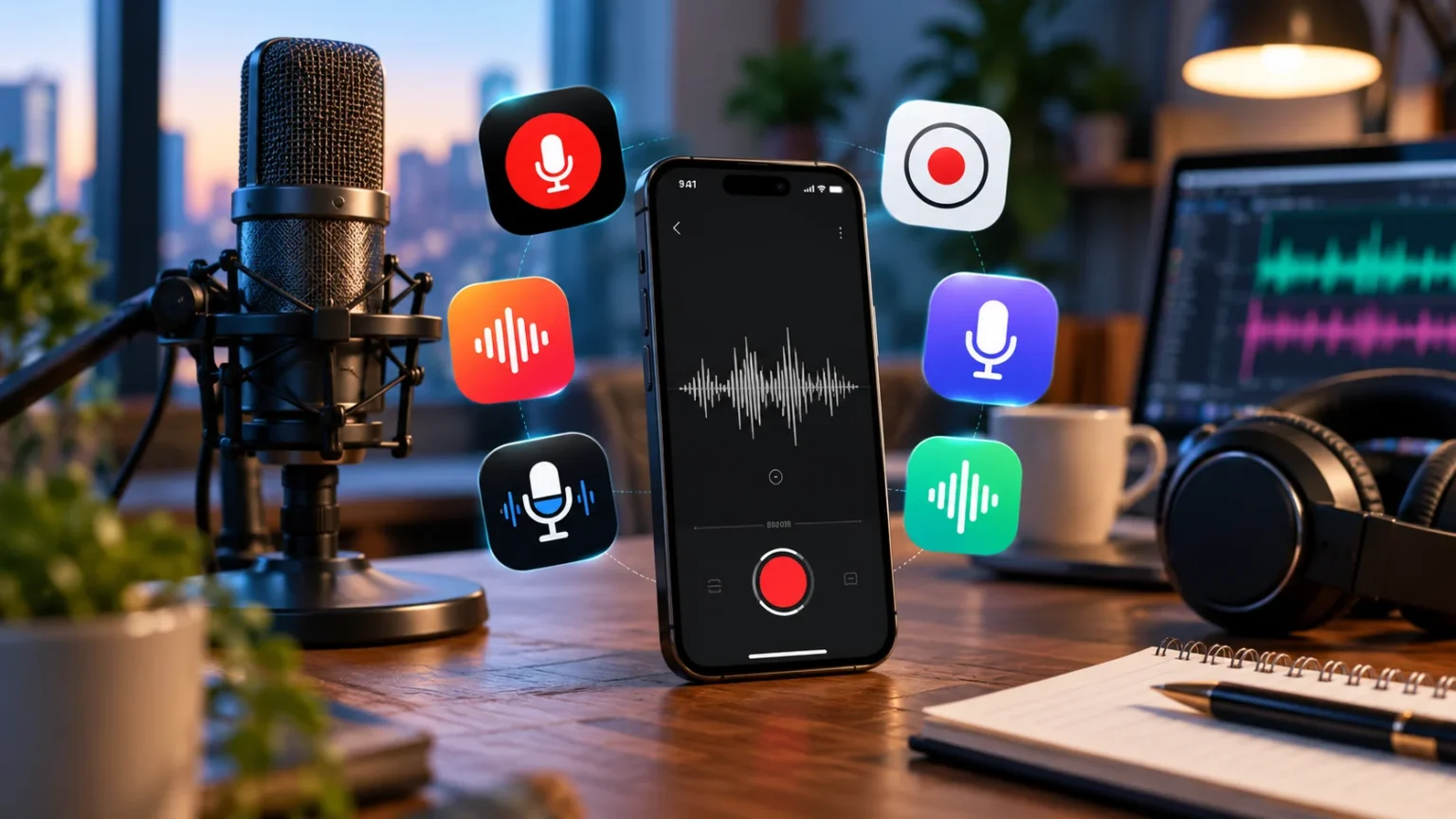

A reliable voice recorder app can turn your phone into a practical tool for interviews, meetings, lectures, podcasts, voice notes, and creative ideas. Modern recording apps go far beyond simply saving audio. Many now offer noise reduction, transcription, editing, cloud backup, searchable recordings, and convenient sharing features that make captured conversations much easier to use.
Clear audio depends on more than downloading the most popular application. Microphone quality, background noise, recording distance, audio format, and device placement all affect the final result. The best voice recorder app should therefore combine dependable recording quality with features that match how you plan to capture, organize, and review your audio.
Some people need a simple recorder for quick personal notes, while others want automatic transcripts for long meetings or enhanced audio for content creation. Choosing the right option becomes easier once you understand the strengths of different apps. Below are some of the best voice recorder apps for clear audio and practical tips for getting better recordings.
1. Apple Voice Memos for Simple iPhone Recording
Apple Voice Memos is a convenient choice for iPhone, iPad, and Apple Watch users who want to start recording without downloading complicated software. The app is designed for everyday situations such as personal notes, lectures, interviews, and creative ideas. Its straightforward interface makes starting, stopping, reviewing, and organizing recordings easy even for first-time users.
Voice Memos also includes useful editing features that let users trim or refine recordings after they have been captured. Recent versions can provide speech transcription on supported devices and languages, making spoken information easier to review later. Apple also allows recordings to work across compatible devices, which can be convenient for people already using the company’s ecosystem.
The application is particularly useful when speed matters more than advanced studio controls. Someone attending a lecture or quickly recording an idea can begin within seconds instead of configuring numerous settings. For users who mainly need dependable voice notes, basic editing, and convenient organization, Voice Memos offers a practical balance between simplicity and functionality.
2. Google Recorder for Pixel Users
Google Recorder is a strong option for compatible Pixel devices because it combines audio recording with searchable transcription features. It can be useful for meetings, interviews, lectures, brainstorming sessions, and personal notes where finding specific spoken information later is important. Instead of repeatedly listening through a long recording, users can work with the generated transcript.
The Recorder app supports Pixel 3 and later phones as well as Pixel Tablet, although certain advanced capabilities depend on the device. Google also allows recordings to be managed, searched, backed up, and accessed through supported services when users enable the appropriate options. Recordings can remain stored locally when someone chooses not to use account synchronization.
This combination of audio and searchable text makes Google Recorder particularly useful for students, journalists, researchers, and professionals. Someone recording a lengthy conversation may need only one specific quote or topic afterward. Searchable transcripts can reduce review time significantly while keeping the original audio available when exact wording or tone needs to be checked.
3. Samsung Voice Recorder for Galaxy Devices
Samsung Voice Recorder offers a convenient built-in recording experience for many Galaxy phone and tablet users. It can handle everyday voice memos, lectures, conversations, and meetings without requiring complicated setup. Depending on the device, users may also have access to different recording modes designed for common situations such as standard voice capture or interviews.
Selected Galaxy devices with compatible software can provide additional transcription and AI-supported features. Samsung explains that Voice Recorder can convert recordings into text on supported devices and can work with Samsung Notes for easier organization. Some capabilities depend on the phone model, operating system version, region, and supported language.
Galaxy owners should consider the built-in recorder before paying for another application. Native software often works smoothly with the device and avoids unnecessary subscriptions when basic recording is all that is required. Users who need more advanced editing, professional audio controls, or specialized transcription can then compare third-party applications after understanding what the built-in option already provides.
4. Easy Voice Recorder for Flexible Everyday Use
Easy Voice Recorder is designed for people who want straightforward recording with more flexibility than some built-in apps provide. It can be used for classes, meetings, interviews, personal reminders, music ideas, and everyday dictation. The interface focuses on making recording accessible without forcing casual users to understand complicated professional audio terminology.
The app supports common audio formats and includes options for trimming, sharing, playback, and transcription depending on platform and available features. Its iOS listing, for example, highlights PCM, MP4, and AAC recording alongside transcription and editing functionality. That flexibility can be useful when recordings need to be reused across different devices or workflows.
Easy Voice Recorder can be a good middle ground for users who find built-in apps too basic but do not need a full professional recording studio. Students, freelancers, business owners, and creators can capture information quickly while retaining enough control to organize and reuse their recordings. The best settings will depend on storage space and required audio quality.
5. Otter.ai for Meetings and Automatic Notes
Otter.ai focuses heavily on turning conversations into useful written information rather than functioning only as a traditional sound recorder. It is particularly suited to business meetings, interviews, online discussions, and collaborative conversations. Automatic transcription can help users concentrate on the discussion instead of attempting to manually write every important point as someone speaks.
The service supports meeting-oriented workflows and can generate transcripts, notes, and summaries from recorded conversations. Its current mobile offering also supports several languages and integrates with widely used online meeting environments. These capabilities make it attractive for professionals who value searchable notes and meeting documentation as much as the original audio itself.
Otter is most useful when spoken information needs to become actionable afterward. A sales team might review customer concerns, while a student could revisit important discussion points from a lecture. Users primarily interested in music or highly controlled audio production may prefer a different application because Otter’s biggest advantages revolve around speech, transcription, and productivity.
6. Notta for Recording and Transcription
Notta combines voice recording with transcription and AI-assisted productivity features, making it useful for people who regularly work with spoken information. Meetings, interviews, lectures, and research conversations can be converted into searchable text instead of remaining as audio files that must be replayed from beginning to end whenever information is needed.
The service is available across multiple platforms and emphasizes features such as transcription and summaries. This can be particularly helpful when someone records long conversations and needs to identify important points afterward. Rather than treating recording as the final step, the app is designed around transforming spoken content into information that can be reviewed and organized.
Notta may appeal to researchers, students, content creators, and business professionals who frequently need both audio and written notes. Before selecting any transcription-focused service, however, consider language support, privacy requirements, recording limits, and the accuracy needed for your work. Important quotes or technical information should still be checked against the original audio.
7. Dolby On for Enhanced Audio Recording
Dolby On is aimed at users who want recording software that emphasizes audio enhancement. It is often considered for capturing spoken voice, musical ideas, rehearsals, podcasts, or other situations where cleaner sound is more important than simply storing a voice memo. Automatic processing can make it attractive to people who do not want to manually edit every recording.
Audio-enhancement features can help recordings sound more polished, but they cannot completely overcome poor recording conditions. A phone placed several meters from the speaker in a noisy room will still struggle to capture detailed speech. The strongest results generally come from combining good microphone placement with an application capable of processing the recording effectively.
Dolby On is worth considering for creators who care about how the finished audio sounds rather than primarily needing searchable transcripts. Someone recording vocals or creative ideas may value sound processing more than meeting summaries. For formal interviews and business conversations, transcription-focused apps may provide a more practical workflow after the recording has finished.
8. Smart Voice Recorder for Straightforward Android Recording
Smart Voice Recorder can appeal to Android users who prefer a simple recording experience without a large collection of productivity features. Straightforward recorder apps are useful when your main goal is capturing lectures, personal reminders, interviews, or conversations and saving them for later playback rather than generating extensive AI summaries.
A simpler application can also reduce distractions. Instead of configuring meeting assistants, collaborative workspaces, and automated summaries, users can concentrate on recording clear sound and keeping files organized. This approach can work particularly well for someone who already uses separate software for editing, transcription, or cloud storage after recordings are transferred.
Before selecting any basic Android recorder, check supported file formats, maximum recording length, export options, microphone settings, and storage controls on your particular device. Android phones vary considerably in microphone hardware and software behavior. Testing a short sample before an important interview or event is therefore one of the easiest ways to prevent disappointing results.
9. How to Choose the Best Voice Recorder App
Start by identifying what happens after you finish recording. If you simply want to replay personal voice notes, a built-in recorder may provide everything necessary. If you regularly capture meetings or lectures, transcription and searchable text may save substantial time, while musicians and creators may prioritize audio quality, processing, and export options instead.
Consider device compatibility before becoming attached to a particular app. Some recording tools are designed specifically for certain phones, while cross-platform services may work through mobile apps and web interfaces. Also review storage, backup options, export formats, recording limits, offline functionality, privacy controls, and whether important features require an ongoing subscription.
Think about your wider equipment setup as well, particularly if you record while traveling for interviews or business. Keeping devices physically secure matters just as much as protecting the recordings stored on them. If you regularly carry recording equipment and computers, learning how to protect your laptop can help reduce avoidable risks while working away from home.
10. How to Record Clearer Audio With Any App
The distance between your microphone and speaker can influence clarity more than switching between several recording apps. Keep the phone reasonably close to whoever is speaking without making the setup uncomfortable. Avoid placing the device inside a bag, underneath papers, or beside equipment that creates vibrations because these obstacles can significantly reduce intelligibility.
Background noise should also be controlled whenever possible. Close windows, move away from air conditioners, silence unnecessary notifications, and choose rooms with fewer hard reflective surfaces. For important interviews, record a short test first and listen through headphones to identify buzzing, echo, wind noise, or low speaking volume before the actual conversation begins.
Storage and battery preparation are equally important during long recordings. Make sure the device has enough free space and adequate charge before a lecture, interview, or meeting starts. For critical recordings, consider using an external microphone or backup recorder when practical, especially when losing the conversation would mean the event cannot easily be repeated.
Conclusion
The best voice recorder app depends on what you want to do with the audio after pressing stop. Apple Voice Memos and device-specific recorders can handle everyday recording efficiently, while tools such as Otter and Notta are more suitable when transcription and searchable notes are central to your workflow.
Clear audio also depends heavily on recording conditions. Good microphone placement, reduced background noise, sufficient storage, and a quick sound test can improve results regardless of which application you choose. Advanced software can enhance recordings, but it cannot completely compensate for a microphone that is too far from the speaker.
Try one or two apps with real-world sample recordings before committing to your final choice. Compare clarity, ease of use, transcription quality, file management, and export options based on your actual needs. The best recorder is ultimately the one that consistently captures usable audio while fitting naturally into the way you work.
FAQs
What is the best voice recorder app for clear audio?
The best option depends on your device and purpose. Built-in apps work well for quick recordings, while specialized apps may provide better transcription, organization, audio enhancement, or professional export features.
Which voice recorder app is best for meetings?
Apps focused on transcription and searchable notes are especially useful for meetings. They can turn long conversations into written information, making important decisions and discussion points easier to find afterward.
Can a phone record professional-quality audio?
A modern phone can capture surprisingly clear speech in good conditions. For professional interviews, podcasts, or music, an external microphone, quiet environment, and careful microphone placement can produce more consistent results.
How can I reduce background noise when recording?
Move to a quieter room, keep the microphone close to the speaker, avoid fans or traffic noise, and perform a short test first. Some apps also include processing features that can improve recorded speech.
Do voice recorder apps work without internet access?
Many basic recording apps can capture audio offline, although cloud backup, AI transcription, synchronization, and certain editing features may require internet access. Check the individual app’s requirements before recording somewhere with limited connectivity.



