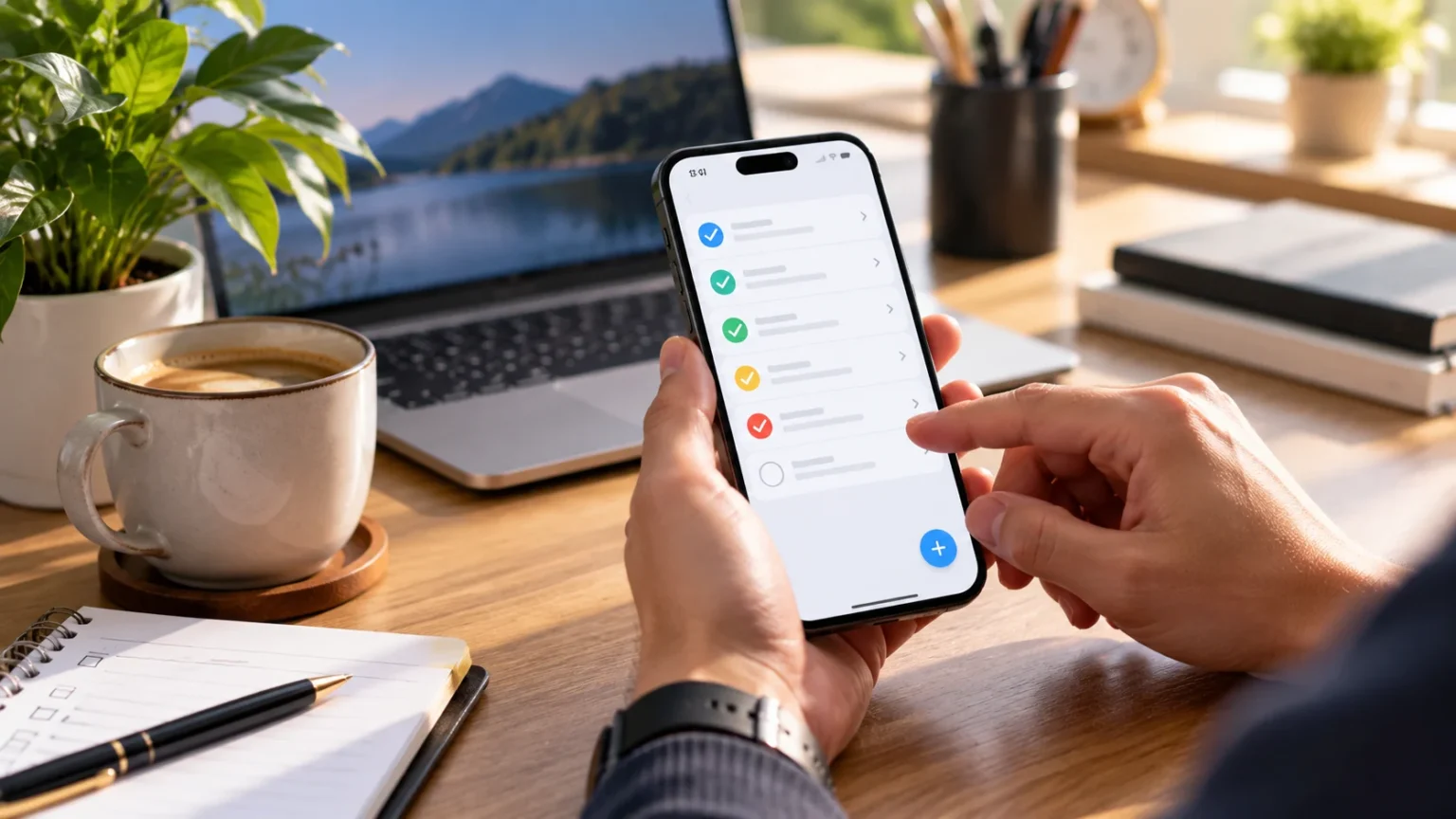

Staying productive is often less about working longer and more about knowing exactly what needs your attention. A good to-do list app can turn scattered responsibilities into a clear daily plan, helping you prioritize important work without relying on memory. Whether you manage client projects, household tasks, studies, or personal goals, the right tool can make your day easier to organize.
Modern task management apps offer much more than simple checklists. Depending on the platform, you can organize projects, create recurring tasks, set reminders, assign priorities, add notes, and synchronize your plans across devices. Some apps favor simplicity, while others provide detailed systems for professionals who manage multiple projects and deadlines.
The best to-do list app is ultimately the one you will consistently use. Complicated features have little value if they make planning feel like another job. The options below suit different working styles, from minimalist daily lists to flexible project management systems, helping you find a productivity app that fits naturally into your routine.
1. Todoist for Simple and Flexible Task Management
Todoist is one of the most recognizable task management apps because it combines a clean interface with enough structure for both personal and professional planning. Users can create tasks, organize them into projects, establish priorities, and plan responsibilities around upcoming dates. The system works particularly well for people who want more organization than a basic checklist without moving into complex project management software.
One of Todoist’s strengths is its flexibility. You might create separate projects for work, personal responsibilities, learning, finances, and household tasks while still viewing what requires attention today. Labels, priorities, recurring tasks, and different views can help reduce clutter when your responsibilities begin spreading across several parts of your life.
Todoist can work for freelancers, students, managers, entrepreneurs, and anyone who prefers structured daily planning. However, avoid creating dozens of categories simply because the option exists. A few meaningful projects and priorities are usually easier to maintain, allowing the application to support productivity rather than becoming another system that requires constant organization.
2. Microsoft To Do for Everyday Planning
Microsoft To Do is a practical option for people who want a straightforward digital task list for work and personal responsibilities. Its design makes it easy to create tasks, add due dates, organize lists, and plan what deserves attention during the day. The relatively simple experience can be especially appealing to users who find larger project management platforms unnecessarily complicated.
The app fits naturally into a workflow where daily priorities change regularly. You can maintain separate lists for groceries, work assignments, appointments, personal goals, or recurring responsibilities and then decide which tasks belong in today’s plan. This reduces the temptation to stare at one enormous list containing everything you might eventually need to complete.
Microsoft To Do can be particularly convenient for people already using Microsoft products for email, calendars, documents, and business communication. Even without an elaborate productivity system, it provides enough structure for everyday organization. Its biggest advantage is often simplicity: users can capture a task quickly and return to their work instead of spending excessive time managing the tool.
3. TickTick for Tasks, Habits, and Daily Focus
TickTick is useful for people who want task management alongside broader personal productivity features. In addition to organizing responsibilities, the app can support planning routines, recurring activities, and focused work sessions. This makes it appealing to users who prefer keeping their task list and everyday productivity habits within one system instead of switching between several applications.
A user might create work projects, personal lists, repeating routines, and time-sensitive reminders while still maintaining a clear view of today’s priorities. Calendar-style planning can also help people who prefer seeing tasks within the context of their schedule. This is useful when completing an activity depends not only on priority but also on having enough available time.
The number of features can be an advantage, but it can also encourage over-planning. You do not need to use every productivity function from the first day. Begin with basic tasks and recurring responsibilities, then gradually introduce additional features only when they solve a real problem in your existing workflow.
4. Google Tasks for a Lightweight Productivity System
Google Tasks is suited to users who prefer a lightweight approach rather than a highly customized productivity platform. It allows you to record responsibilities quickly, organize them into lists, and keep track of deadlines without introducing too many layers of complexity. For basic personal planning, that simplicity can be more useful than advanced project dashboards.
The app can work well when many of your daily activities already revolve around Google’s productivity ecosystem. Tasks can fit alongside calendar planning and other everyday work, reducing the need for another complicated system. This can be useful for professionals who mainly need to remember follow-ups, administrative jobs, errands, and small responsibilities throughout the day.
Google Tasks may feel limited to people managing complicated team projects, but that is not necessarily a weakness. If your main requirement is recording tasks and making sure they get completed, fewer features can reduce distraction. A simple tool that gets opened every day is often more valuable than powerful software that feels too complicated to maintain.
5. Apple Reminders for iPhone and Mac Users
Apple Reminders provides a convenient task management option for people who regularly use an iPhone, iPad, or Mac. It can handle quick personal reminders, shopping lists, work tasks, appointments, and recurring responsibilities while remaining easy to access. The built-in nature of the app also means users can begin organizing tasks without downloading another productivity platform.
Lists can be separated according to different areas of life, allowing work tasks to remain distinct from household responsibilities or personal goals. Users can also add dates, times, notes, and other useful task information when necessary. The flexibility is enough for everyday planning without forcing people to adopt a complicated methodology.
Apple Reminders is particularly effective for people who want task management to feel like a natural part of their device rather than a separate productivity project. If you need advanced team collaboration or detailed business workflows, another tool may fit better. For straightforward daily organization, however, the convenience of a native app can be difficult to beat.
6. Any.do for Daily Planning and Reminders
Any.do combines everyday task lists with planning features designed to help users decide what deserves attention. It works well for people who need to manage personal and professional responsibilities in the same place without creating an overly technical project system. Tasks can be organized into lists, scheduled, and revisited as priorities change throughout the week.
The application is especially useful when you have many small responsibilities that are easy to forget. Grocery items, phone calls, follow-ups, appointments, and project tasks can all be recorded rather than occupying mental space. Moving these commitments into a trusted system can make it easier to concentrate on the work currently in front of you.
Any.do is best used as a practical planning assistant rather than a place to store every possible future ambition. Keep active lists focused and regularly remove tasks that are no longer relevant. A shorter, trustworthy task list usually produces more action than a collection containing hundreds of responsibilities you continuously postpone.
7. Notion for Tasks Combined With Notes and Projects
Notion is different from many traditional to-do list apps because it can combine tasks with notes, documents, project information, databases, and planning systems. This flexibility makes it attractive to freelancers, creators, small teams, and professionals who want task management connected to the information required to complete the work.
For example, a content creator might maintain an editorial calendar where each task includes research notes, deadlines, drafts, and publishing information. A consultant could combine client projects, meeting notes, and action items within the same workspace. Connecting tasks with supporting information reduces the need to search through separate documents whenever you begin working.
The main challenge is avoiding unnecessary customization. Notion gives users enough flexibility to build extremely detailed productivity systems, but complicated dashboards can become time-consuming to maintain. Start with a simple task database or daily list and add new structures only when they solve a specific organizational problem you regularly encounter.
8. Trello for Visual Task Management
Trello is a useful choice for people who prefer seeing work move visually through different stages. Tasks can be represented as cards and organized into columns such as To Do, In Progress, Waiting, and Completed. This board-style approach can make workloads easier to understand, particularly when several activities are moving through the same repeatable process.
The system works well for content planning, client projects, hiring, marketing campaigns, household projects, and many other workflows. Each card can hold relevant details, checklists, dates, and notes, allowing you to keep important information connected to the task. Moving cards between stages also provides a simple sense of progress as work gets completed.
Trello may be less appealing to people who simply want a short daily checklist, because boards can feel larger than necessary for basic reminders. However, visual thinkers and teams often find the format intuitive. Keep the number of columns manageable so your board shows meaningful progress rather than becoming another complicated collection of unfinished work.
9. Things for Focused Personal Productivity
Things is designed around a polished, focused approach to personal task management within Apple’s ecosystem. It suits users who want to capture responsibilities, organize projects, and plan upcoming work without turning their task manager into a large collaborative workspace. The interface encourages a clean structure that helps keep daily commitments easy to review.
Separating immediate tasks from future plans is especially useful for preventing overwhelming lists. Not everything you want to do deserves attention today, so a productivity system should give future responsibilities somewhere to live without constantly competing with urgent work. This can make daily planning feel calmer and more realistic.
Things is primarily suited to individual productivity rather than complex team coordination. Professionals who need assignment, collaboration, and extensive shared project features may require another platform. For personal planning, however, a focused environment can help users spend less time arranging work and more time actually completing the responsibilities they have chosen.
10. How to Choose the Best To-Do List App
Begin by identifying why your current task management approach is failing. Perhaps you forget deadlines, maintain lists in too many places, struggle to decide priorities, or create plans that are too long to finish. Knowing the actual problem makes choosing an app much easier than simply downloading whichever productivity tool has the longest feature list.
Next, consider how and where you normally work. Someone who moves between a phone and laptop may prioritize synchronization, while a freelancer managing several clients may need project organization and recurring tasks. If you capture spoken ideas frequently, combining task planning with useful voice recorder apps can also help you quickly preserve ideas before converting them into actionable tasks.
Finally, test the app using your real responsibilities for several days rather than building an elaborate system immediately. Pay attention to how quickly you can capture tasks, find today’s priorities, reschedule unfinished work, and review upcoming commitments. If maintaining the app takes more effort than completing your tasks, a simpler option will probably support your productivity better.
11. How to Use a To-Do List App More Productively
A productivity app cannot fix an unrealistic workload. If you add twenty major tasks to every day’s list, constantly carrying unfinished work forward will eventually become discouraging. Choose a small number of meaningful priorities and treat less important responsibilities as secondary tasks rather than pretending everything deserves immediate attention.
Break large projects into actions you can actually complete. “Improve website” is vague, while “rewrite homepage headline” or “review contact form” gives you a clear starting point. Specific tasks reduce hesitation because you already know what action needs to happen when you open the app instead of deciding what the original item meant.
Review your task list regularly and remove commitments that no longer matter. Priorities change, and keeping outdated tasks simply creates visual clutter and unnecessary guilt. A useful to-do list should represent your real commitments today, not every idea, obligation, or possibility you have collected during the past several months.
Conclusion
The best to-do list apps for daily productivity include Todoist, Microsoft To Do, TickTick, Google Tasks, Apple Reminders, Any.do, Notion, Trello, and Things. Each offers a different balance of simplicity, organization, visual planning, and flexibility, so the right choice depends on how you personally manage responsibilities.
Do not choose a productivity app only because it contains the most features. A straightforward tool that helps you capture tasks, identify priorities, and consistently complete work can outperform a sophisticated platform that requires constant maintenance. Your task manager should reduce mental load rather than become another project competing for your attention.
Start with one application and use it consistently for real daily responsibilities. Keep your lists realistic, turn large projects into smaller actions, and review outdated tasks regularly. Once the system becomes trustworthy, you can spend less energy remembering what needs to happen and more time actually completing the work that matters.
FAQs
What is the best to-do list app for daily use?
Todoist, Microsoft To Do, TickTick, Google Tasks, and Apple Reminders are all practical options. The best choice depends on your devices, preferred level of simplicity, and whether you need advanced planning features.
Are free to-do list apps good enough?
Yes, free versions can be sufficient for many users who mainly need lists, deadlines, reminders, and basic organization. Paid plans become more useful when you need additional collaboration, customization, integrations, or advanced productivity features.
Which to-do list app is best for students?
Students may benefit from Todoist, TickTick, Microsoft To Do, or Google Tasks because they can organize assignments and deadlines into manageable lists. The simplest app that you consistently check is usually the strongest choice.
Can to-do list apps improve productivity?
They can improve productivity by reducing the need to remember responsibilities and helping you prioritize work. However, the app only supports the system; realistic planning, focused work, and regular reviews are still necessary.
How many tasks should I put on my daily to-do list?
There is no perfect number, but keep your daily list realistic. Choose a few important priorities first, then add smaller tasks only if you genuinely have time to complete them without overwhelming your schedule.