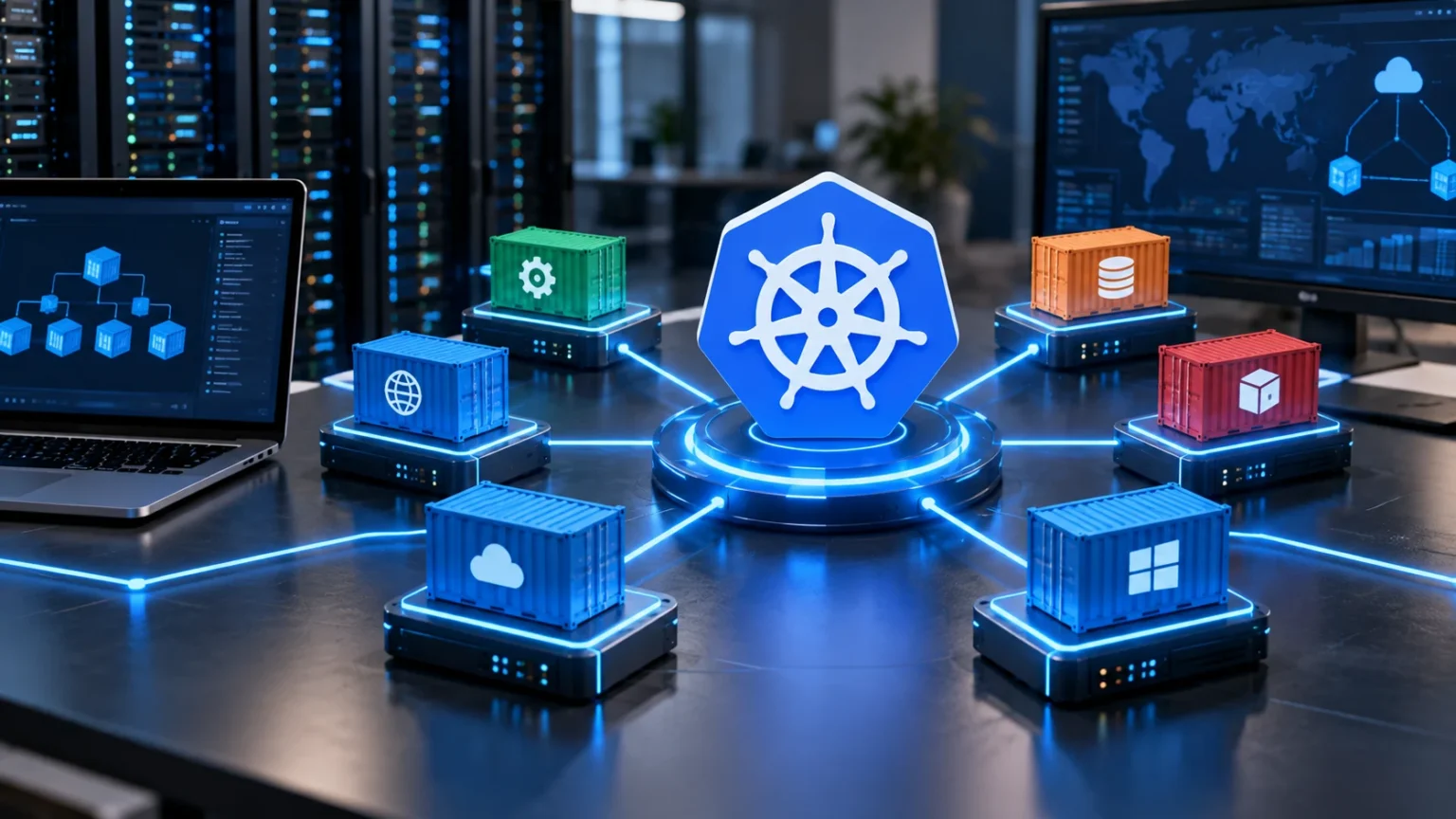

Kubernetes has become one of the most important technologies for running modern cloud applications. It helps developers and IT teams deploy, manage, scale, and recover containerized applications automatically across multiple servers. Instead of manually controlling hundreds of containers, teams can define how applications should run and let Kubernetes handle much of the operational work.
This capability is especially valuable for businesses using microservices, cloud-native software, and distributed applications. Kubernetes can keep applications available, add resources when traffic grows, restart failed workloads, and manage updates with less manual intervention. Understanding how Kubernetes works makes it easier to see why so many development teams use it for modern infrastructure.
What Is Kubernetes?
Kubernetes is an open-source container orchestration platform designed to automate the deployment, scaling, and management of containerized applications. Developers package applications inside containers, while Kubernetes decides where those containers should run across available computing resources. It continuously monitors the environment and works to keep applications operating according to the configuration defined by administrators.
The platform was originally developed from Google’s experience managing large-scale container workloads and was later released as an open-source project. Today, Kubernetes can run on public clouds, private infrastructure, local data centers, and hybrid environments. This flexibility helps organizations avoid tying container management entirely to one specific infrastructure location.
Kubernetes is often abbreviated as K8s, with the number eight representing the eight letters between the first and last characters of the word. Although the platform is powerful, it is not simply a container runtime. Instead, it coordinates containers across clusters and provides automation for networking, scaling, availability, application updates, and resource management.
Why Was Kubernetes Created?
Containers made it easier for developers to package applications with their dependencies and run them consistently across different environments. However, managing a few containers is very different from managing hundreds or thousands across many servers. Teams needed a reliable way to schedule workloads, recover failed containers, distribute traffic, and coordinate application updates automatically.
Traditional manual administration becomes difficult as applications grow. Engineers cannot efficiently restart every failed container, move workloads when servers become unavailable, or continuously adjust capacity by hand. Kubernetes was created to automate many of these repetitive infrastructure tasks while allowing teams to describe the desired state of their applications.
The platform is particularly useful for organizations adopting microservices architecture. Instead of running one large application, companies may operate many smaller services that communicate with each other. Kubernetes helps coordinate these services so teams can deploy and scale individual components without manually managing each container and server separately.
How Kubernetes Works
Kubernetes operates through a cluster consisting of machines that work together to run containerized applications. A cluster normally contains a control plane responsible for managing the environment and worker nodes where application workloads actually run. Developers submit configurations describing what they want deployed, and Kubernetes works to maintain that desired state.
Suppose a team tells Kubernetes that an application should always have five running instances. If one instance crashes, Kubernetes detects the problem and creates a replacement automatically. If a worker node becomes unavailable, workloads can be scheduled on another available node, helping applications remain accessible without requiring immediate manual intervention.
Kubernetes also continuously compares the actual environment with the desired configuration. If the two differ, the platform attempts to correct the difference. This reconciliation process is one of the core ideas behind Kubernetes because teams specify the outcome they want instead of manually instructing the system through every individual infrastructure step.
Understanding Kubernetes Clusters and Nodes
A Kubernetes cluster is a collection of computing resources working together under the control of Kubernetes. These resources may be physical servers, virtual machines, or cloud instances. The cluster creates a unified environment where applications can be deployed without developers needing to decide manually which specific machine should run every individual container.
Worker nodes provide the processing power and memory required to run application workloads. Each node typically contains software that communicates with the Kubernetes control plane and manages containers assigned to that machine. Kubernetes evaluates available resources and schedules workloads onto appropriate nodes based on capacity, configuration, restrictions, and application requirements.
Clusters can range from small development environments to large production systems containing many nodes. Organizations can also run multiple clusters for different geographic regions, teams, customers, or environments. Understanding the difference between containers vs VMs can also help clarify how Kubernetes workloads may operate on top of virtualized infrastructure.
What Are Pods in Kubernetes?
A pod is the smallest deployable unit Kubernetes manages. Instead of usually managing individual containers directly, Kubernetes places one or more closely related containers inside a pod. Containers within the same pod can share networking and certain storage resources, allowing them to communicate closely when they perform related application functions.
Most pods contain a single main application container, although additional supporting containers may sometimes run beside it. For example, one container might run an application while another handles logging or communication tasks. Kubernetes treats the entire pod as one operational unit when scheduling, starting, stopping, or replacing the workload.
Pods are designed to be replaceable rather than permanent. If a pod fails, Kubernetes may create a new one instead of trying to preserve the original instance indefinitely. Applications therefore need to be designed with this temporary nature in mind, particularly when storing important information or maintaining long-running user sessions.
Kubernetes Deployments and Scaling
A Deployment is a Kubernetes resource commonly used to manage application replicas. Developers define how many copies of an application should run, which container image should be used, and other desired settings. Kubernetes then creates and manages the required pods while continuously checking whether the configured number of healthy instances remains available.
Scaling can happen manually or automatically depending on configuration. If application traffic grows significantly, Kubernetes can increase the number of running pods to distribute the workload. When demand decreases, unnecessary replicas can be removed, helping organizations use infrastructure more efficiently instead of keeping maximum computing capacity active at all times.
Kubernetes can also support updates without taking an entire application offline. During a rolling update, new application versions are introduced gradually while older instances continue serving traffic. If problems appear, teams can stop or reverse the rollout, reducing the risk associated with releasing new software into production environments.
How Kubernetes Handles Networking
Containerized applications often consist of multiple services that need to communicate reliably. Kubernetes provides networking mechanisms that allow pods and services to find and connect with one another even when individual containers are replaced. This is important because pod addresses can change as workloads move between nodes or restart.
Kubernetes Services provide stable access points for groups of pods. Instead of applications trying to track changing pod addresses directly, they communicate through a service that routes traffic to appropriate healthy workloads. This abstraction simplifies internal communication and allows pods to scale or move without requiring every dependent application to update its configuration.
External traffic can also be directed into Kubernetes applications through networking components such as load balancers and ingress controllers. These technologies help route incoming requests toward appropriate services. Proper networking design becomes increasingly important as the number of applications and microservices within a cluster grows.
Storage and Persistent Data in Kubernetes
Containers and pods are designed to be temporary, but many applications need information that must survive restarts. Databases, uploaded files, configuration data, and other persistent information cannot simply disappear whenever Kubernetes replaces a pod. Kubernetes therefore provides storage mechanisms that separate important data from the lifecycle of individual application containers.
Persistent volumes allow storage resources to exist independently from particular pods. Applications can request storage through Kubernetes and reconnect to it when workloads restart or move between nodes. The actual storage may come from cloud providers, network storage systems, local infrastructure, or other compatible technologies depending on the environment.
Managing stateful applications still requires careful planning because databases and persistent systems have additional requirements around backups, replication, performance, and recovery. Kubernetes can automate many infrastructure tasks, but it does not eliminate the need for sound data architecture. Teams should evaluate whether each stateful workload is appropriate for their Kubernetes environment.
Kubernetes and Microservices
Microservices divide large applications into smaller services that can be developed, deployed, and scaled independently. One service might manage authentication while another handles payments, search, messaging, or customer profiles. This architecture provides flexibility but creates operational complexity because many separate application components must remain available and communicate reliably.
Kubernetes fits naturally with microservices because each service can run within its own containerized workload. Development teams can update one service without redeploying the entire application and scale heavily used components independently. This flexibility helps organizations release software more frequently while allocating infrastructure according to the requirements of individual services.
However, Kubernetes does not automatically make microservices simple. More services create more networking, monitoring, security, and troubleshooting requirements. Organizations should adopt microservices when the architecture provides real technical or business value rather than dividing applications into many small components simply because Kubernetes makes container orchestration possible.
Key Benefits of Kubernetes
Automatic recovery is one of the strongest Kubernetes benefits. If a container crashes or becomes unhealthy, Kubernetes can restart or replace it. If an entire node fails, workloads may be moved to other available nodes, allowing applications to recover from certain infrastructure problems without waiting for administrators to intervene manually.
Scalability is another major advantage. Kubernetes can add or remove application replicas as demand changes and distribute workloads across available resources. This capability makes it suitable for applications experiencing fluctuating traffic, particularly when businesses need to maintain performance during busy periods without permanently operating excessive infrastructure.
Portability also makes Kubernetes attractive. Because it can run across different cloud providers and private infrastructure, organizations gain greater flexibility in where their applications operate. This does not eliminate every form of vendor dependency, but standardized Kubernetes environments can make moving certain containerized workloads between infrastructure platforms easier than highly proprietary architectures.
Challenges and Limitations of Kubernetes
Kubernetes has a significant learning curve because it introduces concepts such as pods, services, deployments, namespaces, configuration files, networking policies, and persistent volumes. Teams must understand how these components interact before operating critical production systems confidently. Smaller organizations may find the additional complexity unnecessary for applications that could run effectively on simpler infrastructure.
Operational management can also require substantial expertise. Teams need monitoring, logging, security controls, backup strategies, upgrades, and troubleshooting processes. Managed Kubernetes services can reduce some administrative work, but businesses still remain responsible for application configuration and many aspects of cluster security, resource management, and reliability.
Cost is another consideration. Kubernetes can improve resource efficiency, but poorly configured clusters may run unnecessary nodes, oversized workloads, or excessive supporting services. Organizations should monitor computing usage and application requirements carefully rather than assuming container orchestration automatically reduces infrastructure spending.
Kubernetes Security Basics
Kubernetes security begins with controlling who can access the cluster and what actions they are permitted to perform. Role-based access controls can restrict users and services to only the permissions they actually require. Giving every administrator or application broad privileges unnecessarily increases the potential impact of compromised credentials or configuration mistakes.
Container images should also come from trusted sources and be regularly scanned for known vulnerabilities. Applications, Kubernetes components, and underlying systems should receive appropriate security updates. Network policies can further limit which workloads communicate with each other, helping prevent one compromised application from freely accessing unrelated services within the cluster.
Secrets such as passwords, API keys, and database credentials need careful handling as well. They should not be hard-coded into container images or publicly accessible configuration files. Kubernetes security requires ongoing attention because orchestration automates infrastructure operations, but it cannot automatically correct insecure application code or poorly designed access policies.
Why Kubernetes Matters for Modern Businesses
Kubernetes matters because modern businesses increasingly depend on digital services that must remain available while changing frequently. Development teams need to release features quickly without creating unnecessary downtime. Kubernetes provides automation that can make application deployment, recovery, scaling, and infrastructure management more consistent across large container environments.
It can also support teams working across different clouds or data centers. A common orchestration layer allows organizations to apply similar deployment practices in multiple environments. This can be valuable for enterprises pursuing hybrid cloud or multi-cloud strategies while attempting to maintain standardized application management processes.
Kubernetes is not necessary for every business, but it becomes increasingly useful as container environments grow in complexity. Organizations managing a small application may be better served by simpler hosting platforms. Companies operating many microservices, frequent deployments, or large distributed systems may gain significantly more value from Kubernetes automation.
Conclusion
Kubernetes is an open-source platform for orchestrating containerized applications across clusters of computing resources. It automates important tasks such as workload scheduling, scaling, application recovery, networking, and software updates. Instead of manually managing individual containers, development teams define how applications should run and let Kubernetes maintain that desired state.
Its greatest strengths include scalability, self-healing capabilities, deployment automation, portability, and support for microservices. However, these benefits come with additional complexity, operational responsibilities, and security considerations. Businesses should evaluate whether their applications genuinely require orchestration before introducing Kubernetes into their technology environment.
For organizations operating large or rapidly evolving containerized systems, Kubernetes can provide a powerful foundation for modern application infrastructure. Smaller or simpler workloads may not need that level of automation. The best approach is to match Kubernetes to actual technical requirements rather than adopting it simply because it has become a widely used cloud technology.
FAQs
What is Kubernetes in simple terms?
Kubernetes is a platform that automatically manages containers across multiple servers. It helps deploy applications, replace failed workloads, distribute traffic, scale resources, and coordinate containerized services with less manual infrastructure work.
Is Kubernetes the same as Docker?
No. Docker is commonly used to build and run containers, while Kubernetes manages containerized workloads across larger environments. The technologies can work together but solve different infrastructure problems.
Why do companies use Kubernetes?
Companies use Kubernetes to automate container deployment, scaling, recovery, networking, and updates. It becomes particularly useful when organizations operate many containers, microservices, or applications that must scale reliably.
Is Kubernetes difficult to learn?
Kubernetes can have a steep learning curve because it includes many concepts and configuration options. Learning containers, networking, deployments, storage, and basic cloud infrastructure first can make Kubernetes easier to understand.
Does Kubernetes require virtual machines?
Not necessarily. Kubernetes can run on physical servers or virtual machines, although cloud-based Kubernetes clusters commonly use VMs as worker nodes. The infrastructure choice depends on the organization’s environment and requirements.