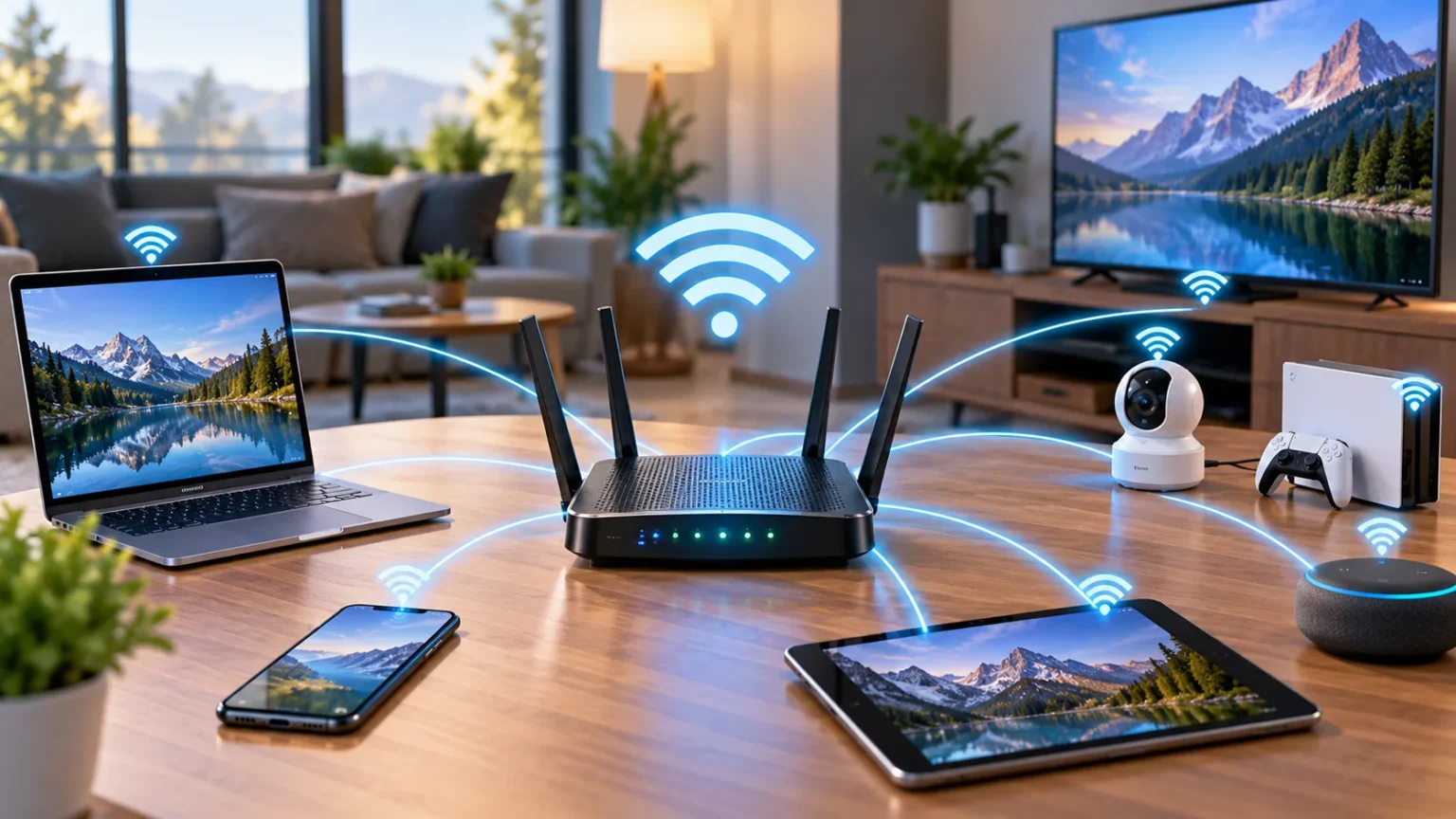

A router is one of the most important devices in a home, office, or business network. It connects different networks and directs data toward the correct destination, allowing phones, laptops, televisions, game consoles, printers, and other devices to communicate. Without a properly configured router, connecting multiple devices to the internet would be far less convenient.
Most people interact with routers every day without thinking about what happens behind the scenes. When you open a website, stream a video, send an email, or use an online application, your router helps move network traffic between your device and the wider internet. Understanding how routers work makes concepts such as Wi-Fi, IP addresses, gateways, NAT, and network security much easier to understand.
What Is a Router?
A router is a networking device that forwards data between separate networks. In a typical home, it connects the private local network containing your devices to the network operated by your internet service provider. The router examines network information in each data packet and determines where that packet should be sent next.
Routers operate primarily using IP addresses, which identify destinations on IP networks. When data arrives, the router checks the destination address and compares it with information in its routing table. Based on that information, it sends the packet through the most appropriate network interface toward its destination.
Home routers often combine several functions within one physical device. They may include routing, Wi-Fi access, Ethernet switching, firewall features, DHCP services, and Network Address Translation. Enterprise routers can be more specialized and may connect offices, data centers, cloud environments, or large networks using advanced routing technologies.
How Does a Router Work?
When you request a website, your device creates network traffic containing the destination information needed to reach the remote server. If that destination is outside your local network, your device sends the traffic to its default gateway. In most home networks, that default gateway is the router.
The router receives the packet, examines its destination IP address, and decides where to forward it. For normal internet traffic, the router usually sends the packet toward your internet service provider. Additional routers then continue forwarding the data across different networks until it eventually reaches the server hosting the requested service.
The response follows a similar process in the opposite direction. Data travels through internet routers until it reaches your home or business router, which then delivers it to the correct local device. These routing decisions happen extremely quickly, allowing websites, video calls, games, and online applications to feel almost instantaneous.
What Is a Routing Table?
A routing table is a collection of information that helps a router decide where network traffic should go. Each entry describes a destination network and the path or interface the router should use to reach it. Routers examine these entries whenever they need to forward an IP packet.
Small home routers generally have relatively simple routing tables. They know how to reach the local network directly and usually maintain a default route that sends unknown external destinations toward the internet service provider. This is sufficient for most residential networks because nearly all external traffic follows the same general path.
Large business and internet routers maintain much more complex routing information. They may learn routes through protocols designed to exchange network paths dynamically. This allows routers to adapt when links fail, networks change, or better paths become available without requiring administrators to manually configure every possible destination.
Router vs Modem: What Is the Difference?
A modem and a router perform different jobs, although many internet providers supply a single device that combines both functions. The modem creates the connection between your location and the provider’s internet service. Depending on the service, this connection may use cable, fiber, DSL, or another access technology.
The router manages traffic between your local devices and other networks. It creates or manages the local network, provides a gateway toward the internet, and often shares the internet connection among multiple devices. A modem alone does not necessarily provide all the local networking features people associate with modern home Wi-Fi.
Combination modem-router devices can make installation easier because users only need one box. However, some people prefer separate devices so they can replace or upgrade the router independently. The best arrangement depends on the internet connection type, provider requirements, desired Wi-Fi features, and level of network control needed.
What Is a Wireless Router?
A wireless router includes Wi-Fi functionality that allows devices to connect without Ethernet cables. It communicates with phones, laptops, tablets, smart televisions, and other wireless devices using radio signals. The router then forwards traffic from those devices between the local network and other destinations.
Modern Wi-Fi routers may operate on multiple frequency bands and support newer wireless networking standards. Performance depends on factors such as router placement, building materials, interference, connected-device count, distance, and hardware capabilities. A fast internet package cannot guarantee strong wireless performance if the Wi-Fi connection itself is weak.
Place a wireless router in a reasonably central and open location whenever possible. Thick walls, metal objects, floors, appliances, and long distances can reduce signal quality. Large buildings may require additional access points or mesh systems instead of expecting one wireless router to provide equally strong coverage everywhere.
How Routers Use IP Addresses and DHCP
Devices connected to a router need IP addresses so they can communicate across the local network. Most home routers automatically assign private addresses using DHCP, or Dynamic Host Configuration Protocol. This allows a laptop or phone to connect without requiring the user to manually enter network settings.
The router commonly provides additional information through DHCP, including the subnet configuration, DNS server addresses, and default gateway. The default gateway usually points back to the router itself. This tells each device where to send packets when the destination is outside the local network.
Private addresses commonly belong to ranges reserved for internal networks, such as certain 192.168.x.x or 10.x.x.x addresses. These addresses can be reused independently in many private networks. The router then helps those devices communicate with the public internet through additional mechanisms such as Network Address Translation.
How Network Address Translation Works
Network Address Translation, commonly shortened to NAT, allows multiple devices on a private IPv4 network to share a smaller number of public addresses. In most homes, several devices use private addresses internally while the router communicates with the internet through one public IPv4 address assigned by the provider.
When a local device sends internet traffic, the router translates relevant address and port information before forwarding the packet. It keeps track of the connection so returning traffic can be sent back to the correct device. This process allows many laptops, phones, televisions, and other devices to share one public internet connection.
NAT became especially important because IPv4 addresses are limited. However, NAT should not be confused with a complete security system. Home routers commonly combine NAT with firewall functionality, but access control and address translation are separate concepts that solve different networking problems.
How Routers Help With Network Security
Many routers include firewall features that help control traffic entering or leaving the network. A typical home router blocks unsolicited inbound connections by default while allowing responses to connections initiated by local devices. This reduces exposure to certain unwanted network traffic from the public internet.
Router security also depends heavily on proper configuration. Change default administrator credentials when necessary, use strong Wi-Fi encryption, install firmware updates, and disable features you do not need. Remote administration should be configured cautiously because exposing the router’s management interface unnecessarily can increase security risks.
Business routers may support additional security technologies such as virtual private networks, access-control rules, network segmentation, monitoring, and traffic filtering. No router can replace good security practices across every device. Computers, servers, applications, and user accounts still require updates, strong authentication, and appropriate security controls.
What Happens When You Open a Website?
When you enter a website address, your device first needs network information that allows it to locate the destination server. DNS usually translates the domain into an IP address, after which your computer sends traffic toward that address. If the destination is outside your local network, those packets normally pass through your router.
The router forwards the traffic toward your internet provider, and additional routers across the internet continue moving it toward the website’s server. The server returns the requested data through the network. Your browser then interprets the received HTML, CSS, JavaScript, images, and other resources to display the webpage.
The router transports the data but does not decide how the webpage should visually adapt to your screen. That behavior is handled by frontend technologies and responsive web design techniques within the website itself. Understanding this distinction helps separate networking responsibilities from the browser and web-development layer.
Common Router Problems and How to Troubleshoot Them
Slow or unreliable internet does not always mean the router is broken. Weak Wi-Fi signals, provider outages, overloaded networks, damaged cables, DNS problems, or individual-device issues can create similar symptoms. Start by determining whether the problem affects one device, wireless devices only, or every system connected to the network.
Restarting a router can sometimes resolve temporary problems by refreshing connections and clearing short-lived software issues. Check cables, indicator lights, provider status, and Wi-Fi signal strength as well. If Ethernet connections work normally while wireless devices struggle, the issue may be related specifically to Wi-Fi rather than routing.
Persistent problems may require checking router firmware, configuration, overheating, hardware age, or internet-provider equipment. Factory resetting should generally be a later troubleshooting step because it removes customized network settings. If a router repeatedly disconnects or cannot handle normal traffic despite proper configuration, replacement may eventually be necessary.
How to Choose and Position a Router
Choose a router based on the size of your space, internet speed, number of connected devices, and networking requirements. A small apartment with a few devices has different needs from a large house filled with computers, smart televisions, cameras, gaming systems, and connected appliances. Paying for features you cannot use provides little practical benefit.
Wi-Fi coverage should also influence the decision. Larger homes may benefit from mesh networking or multiple access points rather than one extremely powerful router placed in a corner. Wired Ethernet connections can still be useful for desktop computers, gaming systems, servers, and devices where stable performance is especially important.
Position wireless equipment away from enclosed cabinets, large metal surfaces, and unnecessary sources of interference. A central elevated location often provides better coverage than placing the router behind furniture or at one edge of the building. Testing signal quality around the property can reveal whether repositioning or additional access points are needed.
Conclusion
A router is a device that connects networks and forwards data toward the correct destination using IP addressing and routing information. In a home network, it typically connects local devices to the internet while also providing services such as Wi-Fi, DHCP, NAT, and firewall functionality. These combined features make modern internet access easier to manage.
Every time you browse a website, stream media, play an online game, or connect to a cloud service, your router handles part of that communication. It receives packets, examines their destination information, and forwards them along an appropriate path. Other routers across the internet repeat the process until the data reaches its destination.
Understanding routers gives you a stronger foundation for learning about networking, IP addresses, DNS, DHCP, Wi-Fi, gateways, and internet security. It can also make everyday troubleshooting much easier. Once you understand what the router is responsible for, you can more quickly separate router problems from modem, Wi-Fi, provider, website, or device-related issues.
FAQs
What is the main purpose of a router?
A router connects separate networks and forwards data between them. In a home, it usually connects local devices to the internet while directing packets toward the appropriate destination.
Is a router the same as Wi-Fi?
No. Routing and Wi-Fi are different functions, although most home routers include wireless access. A router can operate using wired Ethernet connections even when wireless networking is disabled.
Do I need both a modem and a router?
Many internet connections require both functions, but they may be combined into one device. The modem connects to the provider, while the router manages communication between your local network and other networks.
What is the difference between a router and a switch?
A router primarily connects different IP networks, while a network switch connects devices within a local network. Many home routers include an integrated Ethernet switch for connecting wired devices.
Why does restarting a router sometimes fix the internet?
Restarting can clear temporary software problems, refresh network connections, and restart router services. However, recurring outages may indicate Wi-Fi interference, provider issues, faulty hardware, or configuration problems that need further troubleshooting.